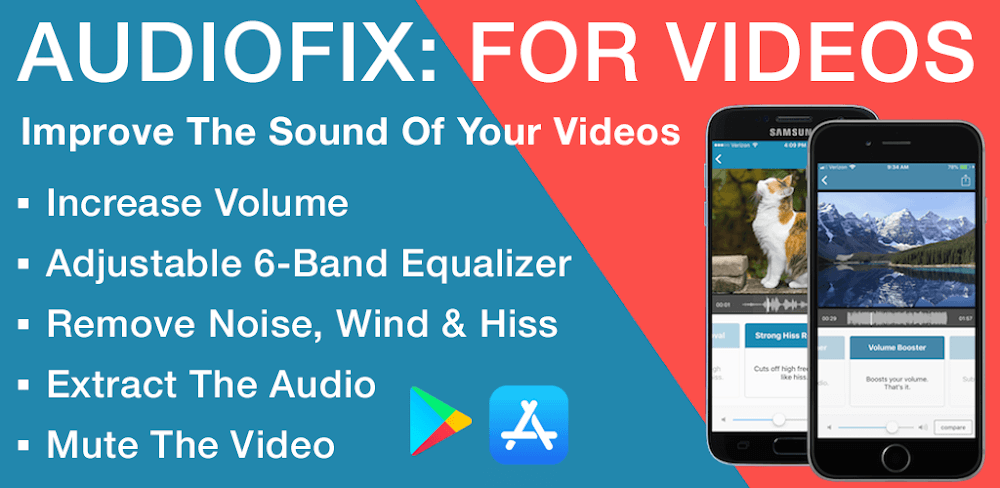
AudioFix Pro v2.47 - Video Sound Control & Audio Adjust
Download **AudioFix Pro**, a powerful utility app that lets you control video sound and adjust audio levels, for a more immersive video experience.
All download links redirect to the official Google Play Store.
App Information
- Name
- AudioFix Pro
- Version
- 2.47
- OS
- Android
- Category
- UtilitiesApplication
- Price
- Free
- User Rating
- 4.1/5
Screenshots
Our In-Depth Review
AudioFix Pro: Elevating Your Video Viewing Experience
As an expert in Android app reviews, I have had the pleasure of diving into some of the most innovative tools available for content creators and videophiles. One such app that caught my attention is AudioFix Pro: For Videos - Vid. This cutting-edge audio editor has revolutionized the way I experience video content, and I am excited to share my thoughts on this game-changing app.
Advanced Audio Control and Quality Management
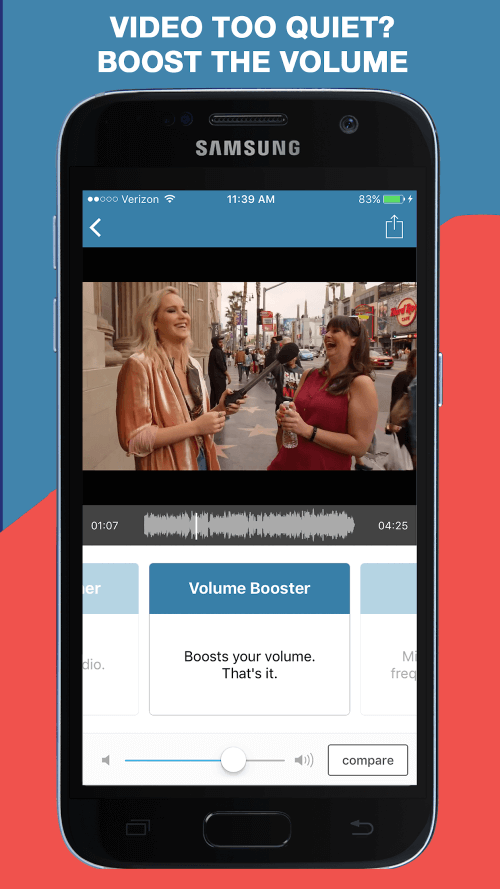
AudioFix Pro's focus on sound is a breath of fresh air in the world of video editing. With an impressive array of audio control features, users can fine-tune their video's sound to complement its visual elements. By controlling specific audio parameters, users can create a unique personality for their videos, setting them apart from the rest. Whether you're a seasoned content creator or a casual video enthusiast, this feature is a must-have for anyone looking to elevate their video viewing experience.
Modern Sound Filter and Voice Enhancement
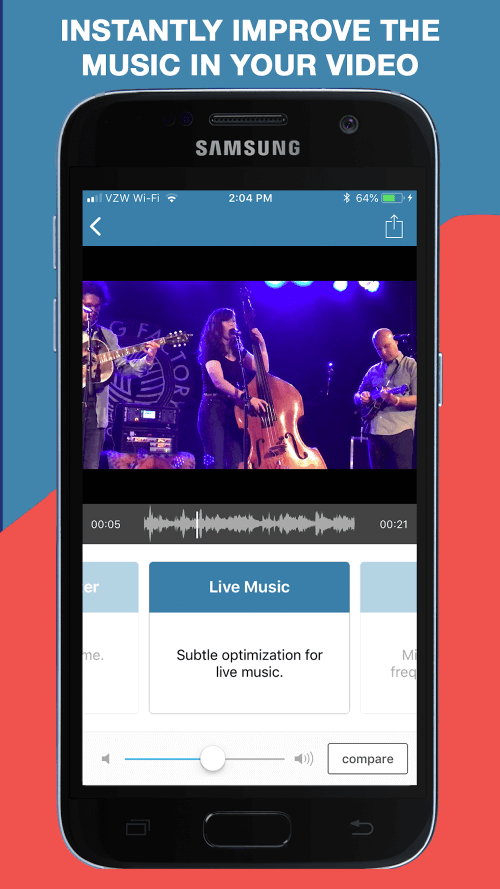
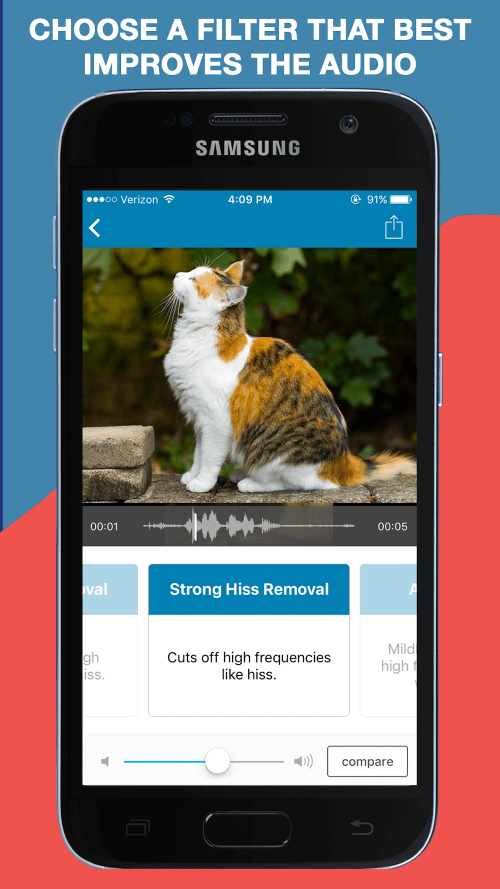
The app's modern sound filter mode is a standout feature that allows users to detect noise in videos and adjust the sound filter mode, voice quality, and bass levels as desired. With a range of filters available, users can customize the audio to suit their preferences, making it an essential tool for content creators and audio enthusiasts alike. The ability to adjust the sound filter mode is particularly useful when dealing with videos that have a lot of background noise or static.
Intelligent Volume Adjustment and Automation
One of the most innovative features of AudioFix Pro is its automated sound increase and decrease feature. This feature makes watching videos in quiet environments a breeze, as the app adjusts the volume based on the environment. Users can also set custom volume levels and adjust them based on their gestures, making it a convenient and intuitive feature. This is especially useful for users who prefer to watch videos in quiet spaces or for those who have hearing impairments.
Versatile Video Editing and Format Options
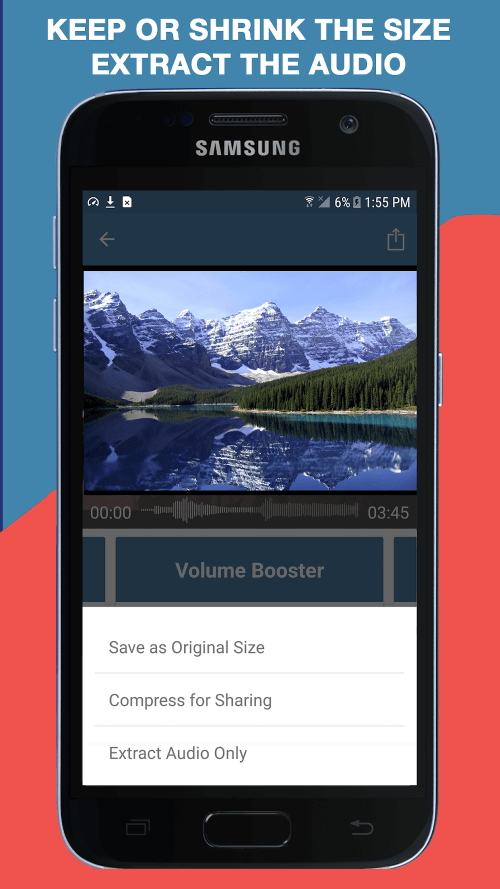
AudioFix Pro allows users to edit audio in videos, making changes to accentuate the sound and create a distinctive audio edit. The edited video can be saved in various formats, giving users the flexibility to export their content in the desired format. Users can also view the original and edited video side-by-side, with the option to return to the start, making it a handy feature for videographers and content creators.
Unlocking the Full Potential of Audio Video Editing
With AudioFix Pro, users can add audio to videos, fine-tune individual sound parameters, and blend them to achieve the best possible results. The app also allows users to add features to videos by providing suitable sound combinations, increase sound volume in specific segments, and create their own effects. Whether you're a seasoned content creator or a casual video enthusiast, AudioFix Pro is an essential tool for unlocking the full potential of audio video editing.
What Works Well
- Advanced audio control features allow for fine-tuning of video sound
- Modern sound filter mode detects noise and allows for customization
- Intelligent volume adjustment and automation feature makes watching videos in quiet environments a breeze
- Versatile video editing and format options allow for flexibility and convenience
What Could Be Improved
- Some users may find the interface to be a bit cluttered
- The app could benefit from additional tutorials or guides for beginners
- Some features may require a bit of trial and error to master
Who Is This App For?
AudioFix Pro is an essential tool for:
- Content creators who want to elevate their video viewing experience
- Videophiles who want to customize their video sound
- Anyone who wants to unlock the full potential of audio video editing
- Casual video enthusiasts who want to experiment with video editing and sound manipulation
Editor's Verdict
App Details
- App: AudioFix Pro
- Category: Utility
- Version: 2.47
- Price: Free
- Platform: Android
Quick Assessment
AudioFix Pro is a utility application for Android devices that is free to download. Currently at version 2.47, the app has received positive feedback from the community with an average rating of 4.1/5. We recommend downloading it directly from the official Google Play Store to ensure you get the latest and safest version.
Community Reviews
What users are saying about AudioFix Pro
Mar 4, 2026
The 'Auto Adjust' feature is super helpful for my YouTube videos, but I wish there was a more detailed explanation of how it works. Would love to see a tutorial section!
Feb 26, 2026
Decent app, but I'm not a fan of the ads in the free version. They interrupt my workflow and can be annoying. Hope to see ad-free option in future updates!
Feb 2, 2026
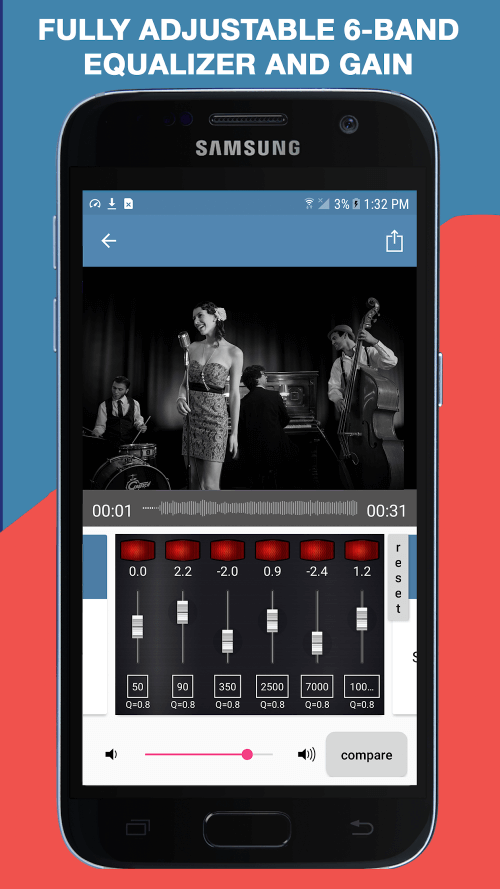
The equalizer and sound adjustments were perfect for my podcast editing needs. The interface is intuitive and easy to navigate. Highly recommended!
Jan 8, 2026
Great app for fine-tuning video audio, especially the 3D equalizer feature. It's a game-changer for creating immersive experiences!
Nov 3, 2025
Not sure if I'm doing something wrong, but I've encountered some lag when using the advanced audio filters. Maybe it's my smartphone, but it's not ideal.
Oct 29, 2025
I'm really impressed with how versatile AudioFix Pro is, from adjusting bass levels to applying audio effects. Definitely my new go-to app for video editing!
Oct 4, 2025
I love how AudioFix Pro allows me to adjust audio levels, but sometimes the volume levels go out of sync. Please consider fixing this issue in the next update?
Oct 2, 2025
The 'Video Sound Control' feature is super useful for my video production work, especially the noise reduction filter. Would be awesome to see more filters in the future.
Reviews reflect personal user opinions and experiences.
Frequently Asked Questions
You May Also Like
Similar utility apps you might enjoy