BuzzKill v30.11.1 - Custom Notification Filter & Blocker for Android
Download BuzzKill, a top custom notification app, to block unwanted notifications and filter out distractions. With a customizable interface and key features, BuzzKill helps you take control of your Android notifications and stay focused.
All download links redirect to the official Google Play Store.
App Information
- Name
- BuzzKill
- Version
- 30.11.1
- OS
- Android
- Category
- UtilitiesApplication
- Price
- Free
- User Rating
- 4.1/5
Screenshots
Our In-Depth Review
Say Goodbye to Annoying Notifications with BuzzKill
In today's world of constant connectivity, the sheer volume of notifications on our devices can be overwhelming. BuzzKill, developed by BuzzKill, is a powerful custom notification app designed to filter out the noise and help you stay focused on what matters. As I explored this app, I was impressed by its ability to block repetitive messages and allow users to customize their notifications to fit their preferences.
The Problem with Repeated Messages
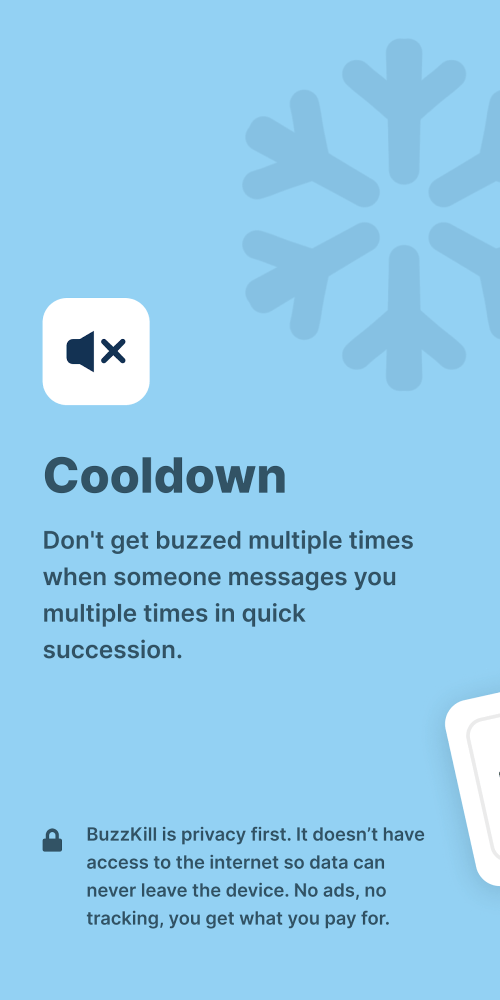
Messaging apps like Messenger, Twitter, WhatsApp, and others can be a significant source of frustration with spam and promotional messages. These repeated messages can be distracting and disrupt our workflow or leisure activities. BuzzKill solves this problem by preventing messages with the same content or from the same person from being sent multiple times. This feature ensures that you're not bombarded with repetitive messages, allowing you to focus on the tasks at hand.
Customizing Your Notification Experience
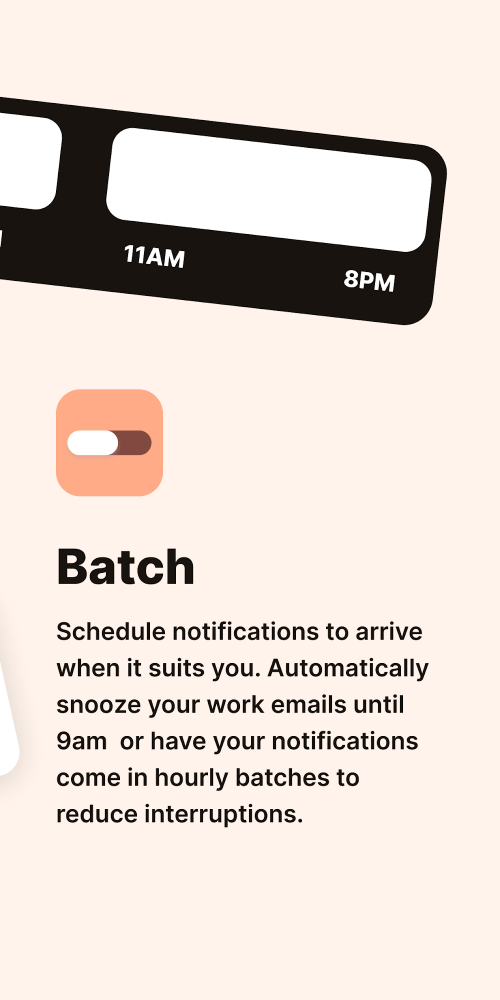
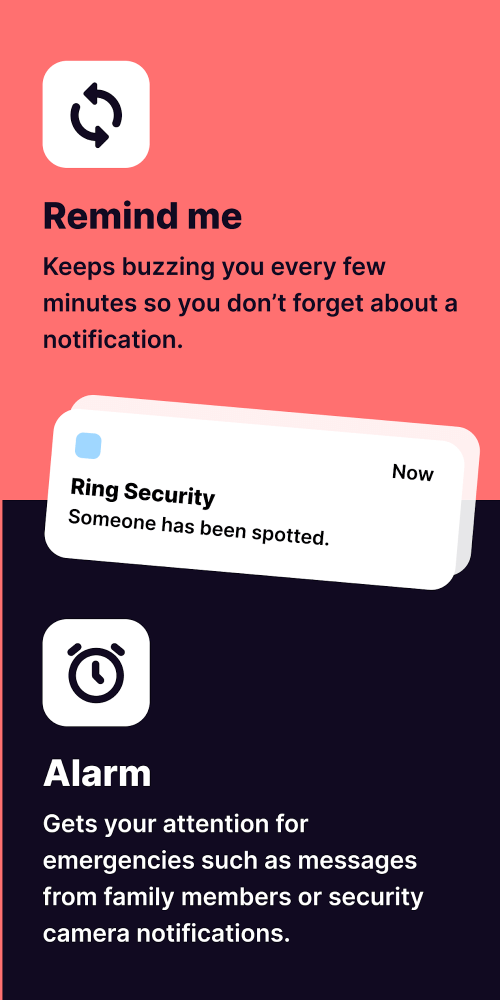
BuzzKill goes beyond simply blocking repeated messages by offering a range of customization options for your notifications. Users can adjust the time when notifications are received or not received based on their preferences. For example, you can block notifications for a specific time of day, ensuring that you're not disturbed during work hours or other important activities. Additionally, the app includes continuous notifications that only stop when you've seen them, ensuring that you don't miss important events.
Prioritizing Important Notifications
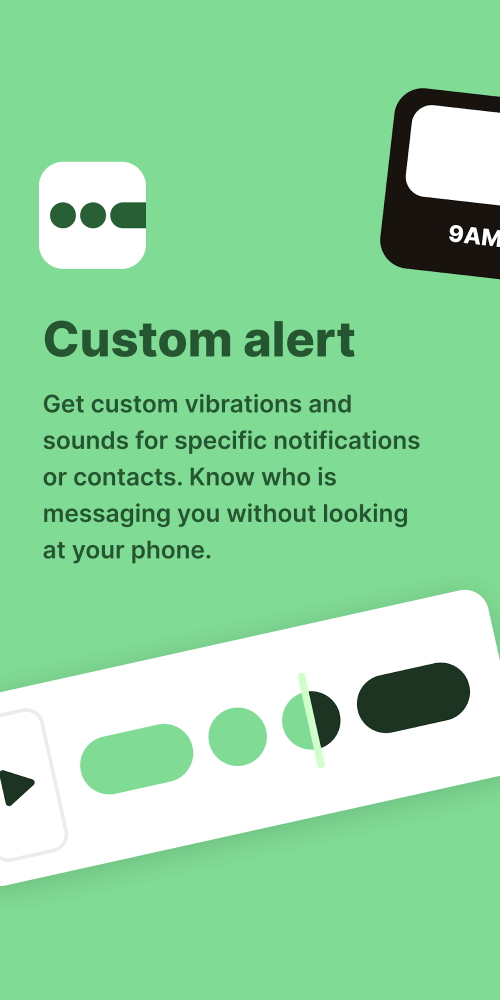
Custom Alert and Vibration functions in BuzzKill enable users to customize their notification system to prioritize important people and announcements. You can set custom notification sounds for special contacts, assign important contacts to read messages, and respond to important notifications promptly. The app also allows users to configure a separate vibration mode for each application or contact, ensuring that you're always informed about important messages.
Features Beyond Notifications
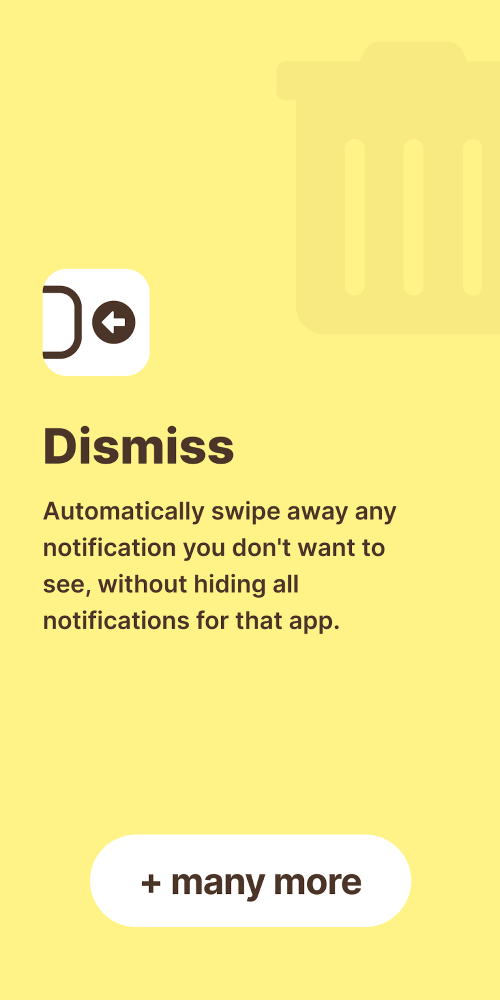
BuzzKill offers many more useful features beyond its core functionality. Dismiss mode allows users to dismiss notifications automatically without disabling the app's notifications in device settings. Furthermore, Reply can automatically reply to messages if you haven't seen them in a while, letting others know you're busy and unable to chat. This feature is particularly useful for those who lead busy lives and struggle to keep up with their online communication.
Data Protection and Ad-Free Experience
BuzzKill prioritizes user data protection, offering a safe and ad-free experience without tracking or transmitting any data from your device. This is a refreshing change from many notification apps that compromise user data for the sake of revenue generation.
What Does It Mean for You?
So, what does BuzzKill mean for you? If you're tired of being bombarded by repetitive messages and want more control over your notification experience, BuzzKill is definitely worth checking out. The app's ability to block repeated messages, customize notifications, and prioritize important notifications makes it an excellent choice for busy professionals, students, and anyone who wants to stay focused.
Who Is This App For?
BuzzKill is ideal for:
- Busy professionals who want to minimize distractions and stay focused on their work
- Students who need to manage multiple notifications from various apps and social media platforms
- Individuals who want more control over their notification experience and prioritize important messages
- Anyone who values their time and wants to stay organized and productive in a world of constant connectivity
Overall, BuzzKill is a powerful custom notification app that helps you stay focused and in control of your digital life. Its ability to block repeated messages, customize notifications, and prioritize important notifications makes it an excellent choice for those who want to simplify their notification experience and reduce distractions.
Editor's Verdict
App Details
- App: BuzzKill
- Category: Utility
- Version: 30.11.1
- Price: Free
- Platform: Android
Quick Assessment
BuzzKill is a utility application for Android devices that is free to download. Currently at version 30.11.1, the app has received positive feedback from the community with an average rating of 4.1/5. We recommend downloading it directly from the official Google Play Store to ensure you get the latest and safest version.
Community Reviews
What users are saying about BuzzKill
Feb 21, 2026
This app is a lifesaver for me - I'm a freelancer, and constant notifications were killing my productivity. The 'Silent Mode' feature has been a game-changer. I've been using it for weeks, and I don't know how I lived without it!
Feb 19, 2026
I'm giving BuzzKill 3 stars because the UI is just a bit bland for me. However, I do love the 'Notification History' feature - it's really helpful for tracking down which app was spamming me. Maybe some color options or themes would enhance the experience?
Dec 29, 2025
I've tried many notification blocker apps, but BuzzKill is the only one that consistently works for me. The whitelist feature is super helpful, and it's so easy to add or remove apps from my block list. Overall, great app!
Dec 23, 2025
I've been using BuzzKill for a month now, and it's been a game-changer. The customizable interface is so intuitive, and I love how I can block specific apps with just a few taps. 5 stars, would highly recommend!
Dec 13, 2025
I'm not sure if it's just me, but the app can be a bit buggy sometimes. The notification filter feature is really cool, but I wish it was more granular - sometimes my favorite apps get filtered out by mistake! 3 stars.
Nov 4, 2025
BuzzKill has become a staple on my phone. The blocking feature works seamlessly, and I appreciate how easy it is to set up custom filters. One minor suggestion: would love to see a 'quick toggle' for enabling/disabling the app on the notification shade!
Sep 22, 2025
I've been using BuzzKill for a while, but I'm getting a bit tired of the same old layout. Can we please get some design updates? The app works great, though, and I love the ability to schedule downtime. 4 stars.
Reviews reflect personal user opinions and experiences.
Frequently Asked Questions
You May Also Like
Similar utility apps you might enjoy