Glass Dark Icon Pack v1.3: Luxury Icons & Dark Mode
Experience luxury icons and dark mode with Glass Dark Icon Pack v1.3, offering easy customization for a sophisticated interface.
All download links redirect to the official Google Play Store.
App Information
- Name
- Glass Dark Icon Pack
- Version
- 1.3
- OS
- Android
- Category
- UtilitiesApplication
- Price
- Free
- User Rating
- 3.9/5
Our In-Depth Review
Glass Dark Icon Pack: A Fresh Facelift for Your Android Device
Are you tired of the same old interface on your Android device? If you're looking for a way to give your device a fresh new look, you might want to consider Glass Dark Icon Pack, a stunning collection of minimalist icons with luxurious color tones. In this review, we'll take a closer look at what this icon pack has to offer and see if it's worth the investment.
What Makes Glass Dark Icon Pack Stand Out
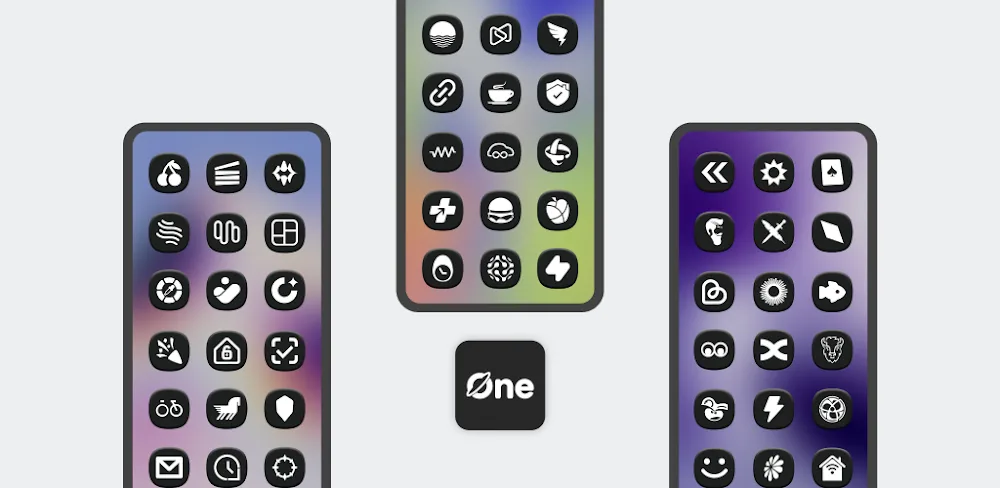
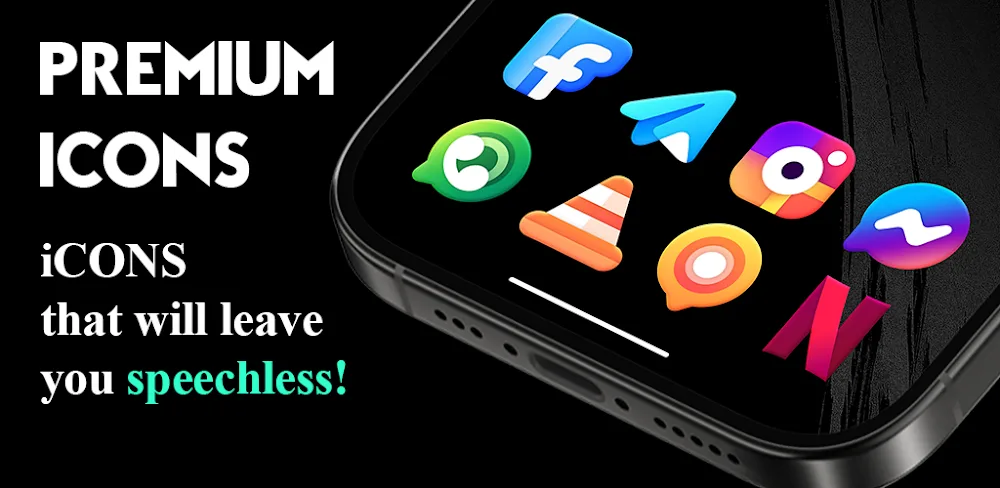
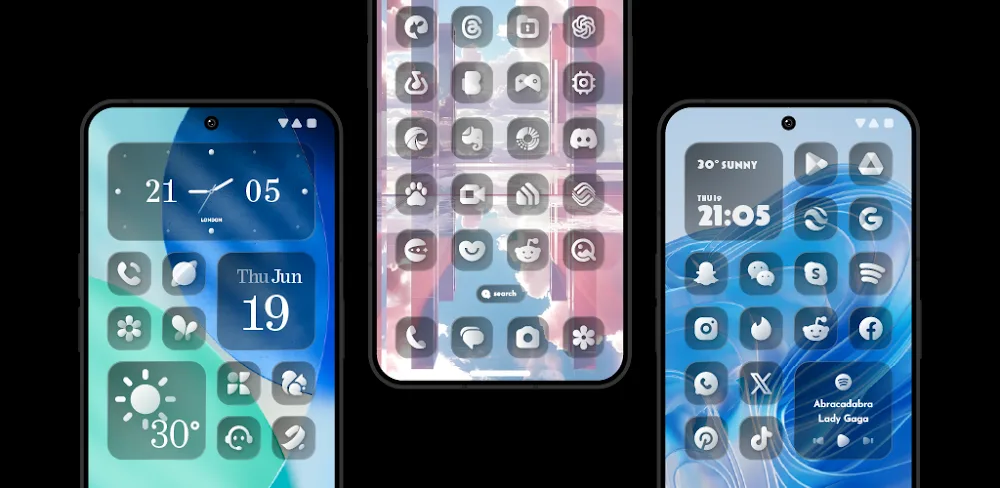
Glass Dark Icon Pack boasts a sophisticated and sleek design aesthetic that's sure to impress. The application offers an extensive collection of design icons that are all hand-designed to provide a seamless user experience. One of the standout features of this icon pack is its crystal-clear icons. These transparent icons will make your screen interface stand out, making every moment of use a pleasure.
Design Elements: A Closer Look
The icon pack features a range of design elements that work together to create a cohesive and modern look. The square shape icons are a nice touch, adding a sense of modernity to your device. But what really sets Glass Dark Icon Pack apart is its seamless integration with your device. The application ensures a smooth and hassle-free experience, making it easy to switch between icons and themes.
Exploring the Massive Icon Collection
With Glass Dark Icon Pack, you'll have access to a vast collection of icons with attractive and rich themes. Each theme features unique designs and colors, giving you a wide range of choices to suit your style. The icon collection is massive, with over 4900 sharp and high-quality icons that are all hand-designed. You'll love the softness and liveliness of each icon, making it easy to find the perfect fit for your device.
Regular Updates and Customization
The application is regularly updated and improved, ensuring you'll always have access to the latest and greatest icons. New icons are added every week, keeping your collection fresh and up-to-date. But what's even more impressive is the built-in icon request tool. With this feature, you can request any icon you want, and your requested icons will be added to the collection in the next update.
Who Is This App For?
Glass Dark Icon Pack is perfect for anyone looking to give their Android device a fresh new look. Whether you're a tech enthusiast or just someone who likes to stay on top of the latest trends, this icon pack is worth checking out. Specifically, this app is best suited for:
- Design enthusiasts: If you appreciate minimalist design and luxurious color tones, you'll love Glass Dark Icon Pack.
- Android users looking for a change: If you're tired of the same old interface on your Android device, this icon pack is a great way to give your device a fresh new look.
- Customization fans: If you enjoy customizing your device and staying on top of the latest trends, Glass Dark Icon Pack is a must-have.
Overall, Glass Dark Icon Pack is a solid choice for anyone looking to elevate their Android experience. With its stunning collection of minimalist icons, seamless integration, and regular updates, this application is sure to impress. While it may not be perfect, it's definitely worth considering if you're looking to give your device a fresh new look.
Editor's Verdict
App Details
- App: Glass Dark Icon Pack
- Category: Utility
- Version: 1.3
- Price: Free
- Platform: Android
Quick Assessment
Glass Dark Icon Pack is a utility application for Android devices that is free to download. Currently at version 1.3, the app continues to receive updates from the developer. We recommend downloading it directly from the official Google Play Store to ensure you get the latest and safest version.
Community Reviews
What users are saying about Glass Dark Icon Pack
Mar 4, 2026
While I appreciate the effort put into Glass Dark Icon Pack v1.3, I do think it's a bit pricey considering the limited customization options. That being said, the luxury theme does look great, and the app is well-maintained. 3/5 stars.
Jan 29, 2026
A decent icon pack, but I wish there were more customization options for the folder icons. Still, the luxury theme looks great on my homescreen. 3/5 stars.
Jan 12, 2026
For me, Glass Dark Icon Pack v1.3 is a bit too 'dark' in terms of its appearance. I prefer a more balanced color scheme. Still, it's a solid choice for those who like a minimalist design. 3/5 stars.
Dec 17, 2025
I'm really enjoying the ease of use with Glass Dark Icon Pack v1.3. The 'search in app' feature is super convenient when I need to find a specific icon. One suggestion: add more icon variations for devices with limited storage.
Nov 10, 2025
I've been using Glass Dark Icon Pack v1.3 for a while now, and I must say it's been a game-changer for my phone's UI. The developer is also very active and responsive to user feedback. 5/5 stars.
Oct 27, 2025
I'm not a huge fan of this icon pack. The colors look dull and the default icon shape is not what I'm used to. For some reason, it's also causing my phone to freeze occasionally. 2/5 stars.
Oct 25, 2025
One of the things I like most about Glass Dark Icon Pack v1.3 is the 'icons for every app' feature. It's so convenient to have all my apps organized with a consistent theme. One small suggestion: consider adding more icon variations for system apps.
Oct 5, 2025
I was initially skeptical about the 'Luxury Icons' theme, but it really adds a touch of personality to my phone. One thing I'd like to see in the next update is integration with the Android launcher's 'icon pack support' feature. 4/5 stars.
Reviews reflect personal user opinions and experiences.
Frequently Asked Questions
You May Also Like
Similar utility apps you might enjoy