HyperUX Icon Pack v4.6 - Custom Phone Icons & Themes
Discover HyperUX Icon Pack, a leading utility app offering custom phone icons and vibrant themes with colorful wallpapers for a personalized phone experience. Download now to upgrade your device.
All download links redirect to the official Google Play Store.
App Information
- Name
- HyperUX - Icon Pack
- Version
- 4.6
- OS
- Android
- Category
- UtilitiesApplication
- Price
- Free
- User Rating
- 4/5
Our In-Depth Review
HyperUX – Icon Pack Review: A Sleek and Modern Solution for Android
As Android users, we're constantly on the lookout for ways to elevate the visual appeal of our devices. One of the most effective ways to do this is by using a modern icon pack, and HyperUX – Icon Pack is a great option to consider. In this review, we'll take a closer look at what this icon pack has to offer and whether it's worth the investment.
## A Modern Design for a Sleek Interface
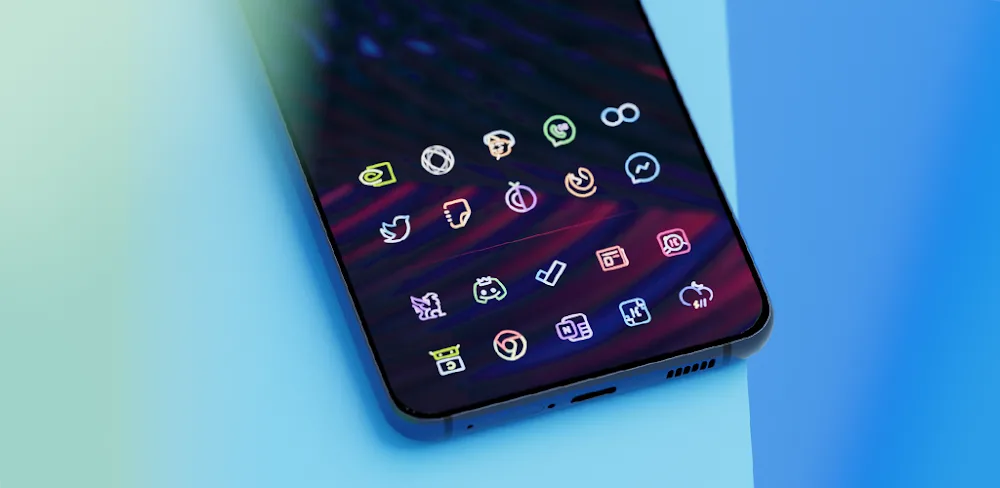
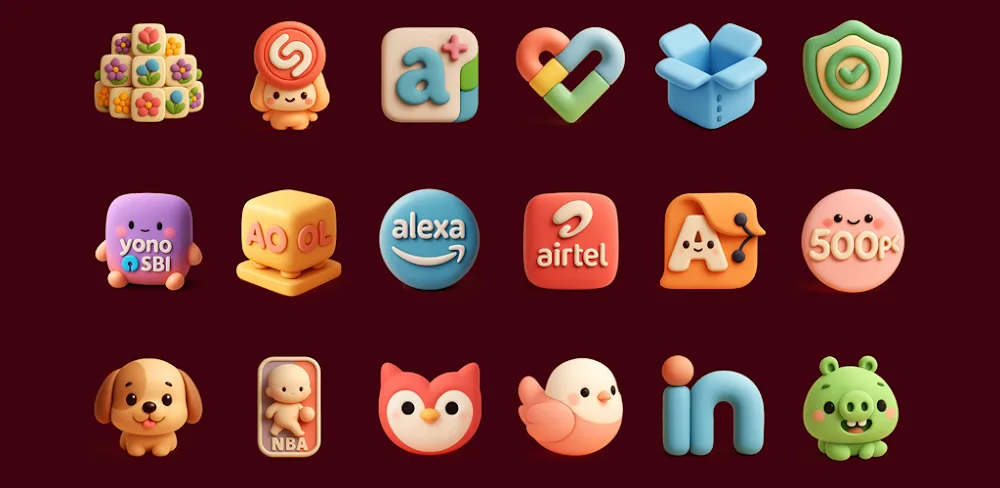
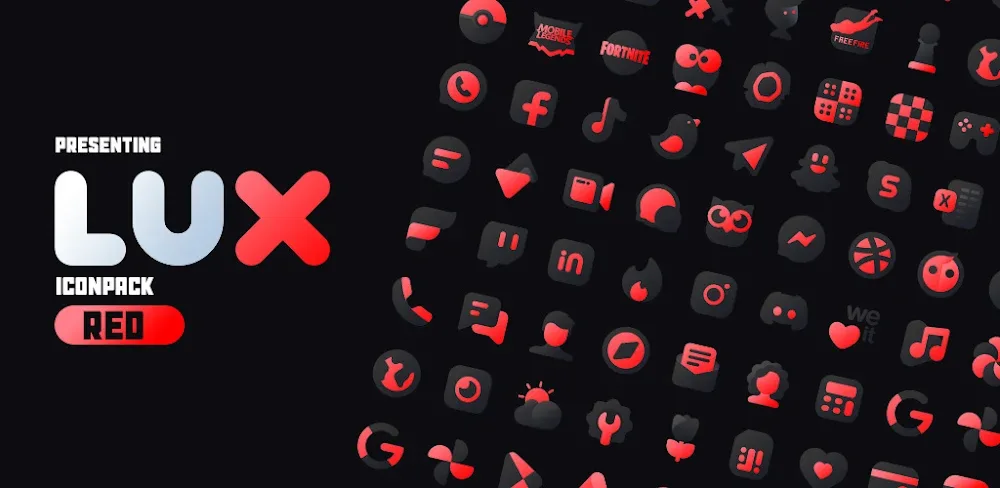
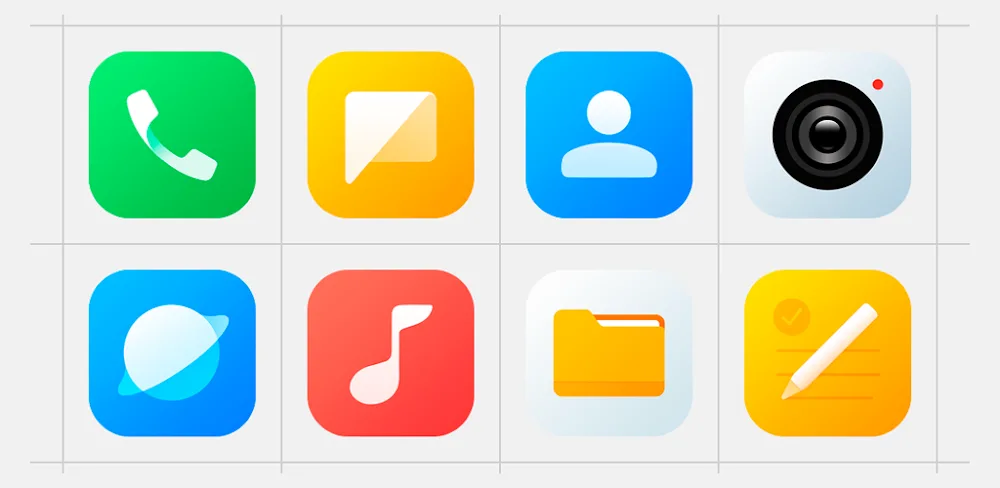
HyperUX – Icon Pack offers a modern style icon pack with a focus on simplicity and minimalism. The 4100+ icons in the pack are designed with simple strokes and a moderate color palette, creating a comfortable and visually appealing experience. The design is clean and easy on the eyes, making it perfect for users who value a clutter-free interface.
One of the standout features of HyperUX – Icon Pack is its attention to detail. Each icon is carefully crafted to ensure a modern and beautiful design. The use of simple strokes and a light color palette creates a cohesive look that is easy on the eyes. The result is a seamless and visually stunning interface that's sure to impress.
## Tips and Tricks for Getting the Most Out of HyperUX – Icon Pack
To get the most out of HyperUX – Icon Pack, users need to install the required launcher and configure the interface. This may require some trial and error, but don't worry – we've got some tips to help you get started.
First, make sure you have a compatible launcher installed on your device. HyperUX – Icon Pack works seamlessly with launchers like Hyperion Launcher, Nova Launcher, and Evie Launcher. If you're using OneUI, you may also need to install additional apps like Good Lock and Theme Park from the Galaxy Store to activate the icon pack.
Once you've got your launcher set up, it's time to customize your interface. This may take some time, but the end result is well worth it. You can choose from a vast library of icons and wallpaper templates to create a cohesive and visually appealing look.
## Smooth Screen Adaptation and Device Support
One of the standout features of HyperUX – Icon Pack is its ability to adapt seamlessly to various screen sizes and resolutions. Whether you're using a high-end flagship or a budget-friendly device, this icon pack is sure to look great on your screen.
In terms of device support, HyperUX – Icon Pack has got you covered. The app is designed to work with a wide range of devices, including those running Android 10 and later. The pack also includes 319+ specially designed wallpaper templates for users to explore.
## Conclusion
HyperUX – Icon Pack is a solid choice for users looking to elevate the visual appeal of their Android device. With its modern design, vast library of icons, and seamless screen adaptation, this icon pack is sure to impress. While it may require some trial and error to get the most out of it, the end result is well worth the investment.
Who Is This App For?
HyperUX – Icon Pack is perfect for users who value a modern and sleek interface. Whether you're a power user or a casual Android enthusiast, this icon pack is sure to elevate your device's aesthetic. Specifically, this app is best for:
- Users who want a modern and minimalistic design for their Android device
- Those who value a seamless and visually stunning interface
- Anyone looking to customize their device's aesthetic with a vast library of icons and wallpaper templates
- Users who are willing to invest some time and effort into customizing their interface
Editor's Verdict
App Details
- App: HyperUX - Icon Pack
- Category: Utility
- Version: 4.6
- Price: Free
- Platform: Android
Quick Assessment
HyperUX - Icon Pack is a utility application for Android devices that is free to download. Currently at version 4.6, the app has received positive feedback from the community with an average rating of 4/5. We recommend downloading it directly from the official Google Play Store to ensure you get the latest and safest version.
Community Reviews
What users are saying about HyperUX - Icon Pack
Feb 19, 2026
I just got my new phone and this icon pack has exceeded my expectations! The custom phone icons and wallpapers look amazing on my phone, especially the vibrant colors of the HyperUX Icon Pack v4.6. Definitely recommend!
Feb 18, 2026
I wish there were more icon packs with vibrant color palettes like HyperUX Icon Pack v4.6. My only criticism is that it crashes occasionally when I switch between my phone's themes.
Feb 17, 2026
I've been using this icon pack for a week and the full version download has been a dream come true. I love how it's modern style matches my current theme, and the wallpapers are always a great addition.
Jan 30, 2026
Really enjoying the HyperUX Icon Pack v4.6! It's so easy to find the perfect icon and theme combination for my phone - I've tried a few other icon packs that weren't as polished.
Jan 5, 2026
Not sure why some people are complaining about the lack of customization options for the widgets - I personally love the simplicity and uniformity they bring to my home screen.
Jan 4, 2026
I was expecting a lot more theme options and customization options for the wallpapers, unfortunately, the options are a bit limited. Still, a solid icon pack overall.
Dec 7, 2025
I love how easy it is to switch between the different icon packs and wallpapers in HyperUX Icon Pack v4.6. However, some of the icons could be a bit more detailed or high-resolution - a minor complaint.
Nov 22, 2025
Love the customization options in HyperUX Icon Pack v4.6 - I've been experimenting with different icon sizes and layouts to match my needs. The UI is intuitive and easy to navigate, too.
Reviews reflect personal user opinions and experiences.
Frequently Asked Questions
You May Also Like
Similar utility apps you might enjoy