LogoShop v4.4 - Logo Maker with Premium Features Download
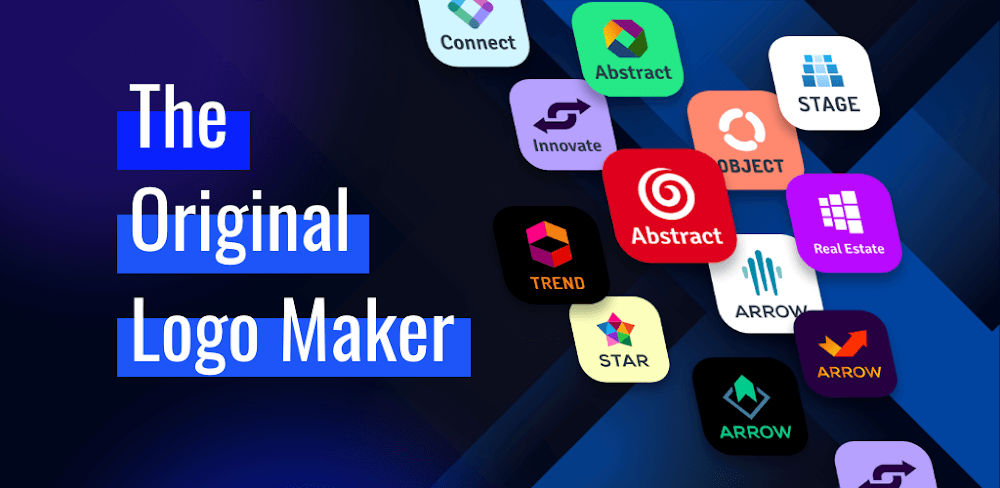
Download LogoShop v4.4 and access a range of premium features that help you create professional logos for your business, all within minutes. This user-friendly logo maker doesn't require design experience, making it an ideal solution for entrepreneurs and small business owners.
All download links redirect to the official Google Play Store.
App Information
- Name
- LogoShop
- Version
- 4.4
- OS
- Android
- Category
- UtilitiesApplication
- Price
- Free
- User Rating
- 4.1/5
Screenshots
Our In-Depth Review
LogoShop: A Free Logo Creator App for Small Businesses and Entrepreneurs
Overview
As a small business owner or entrepreneur, creating a professional logo can be a daunting task, especially when budget constraints come into play. LogoShop, a free logo creation app, offers a user-friendly solution to this problem. In this review, we'll delve into the features, benefits, and usability of LogoShop to determine whether it's a viable option for those looking to create a high-quality logo without breaking the bank.
Ease of Use and Interface
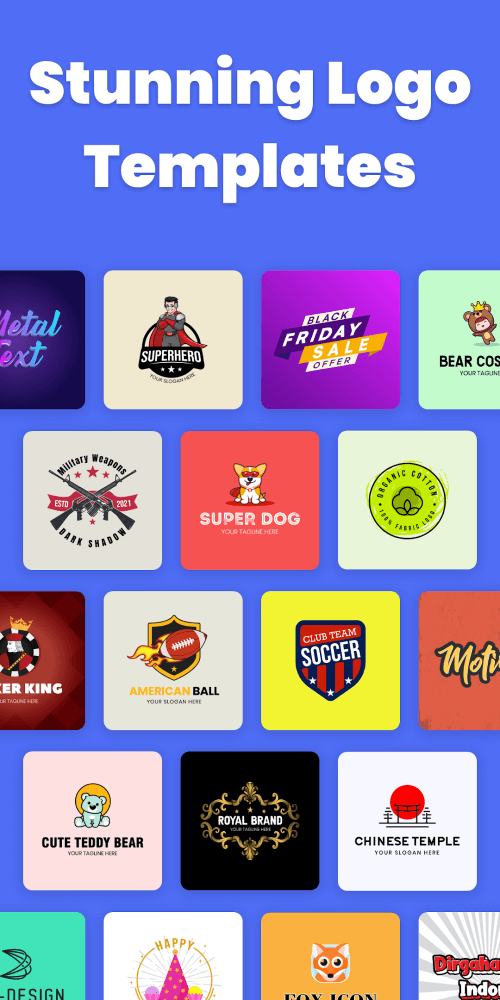
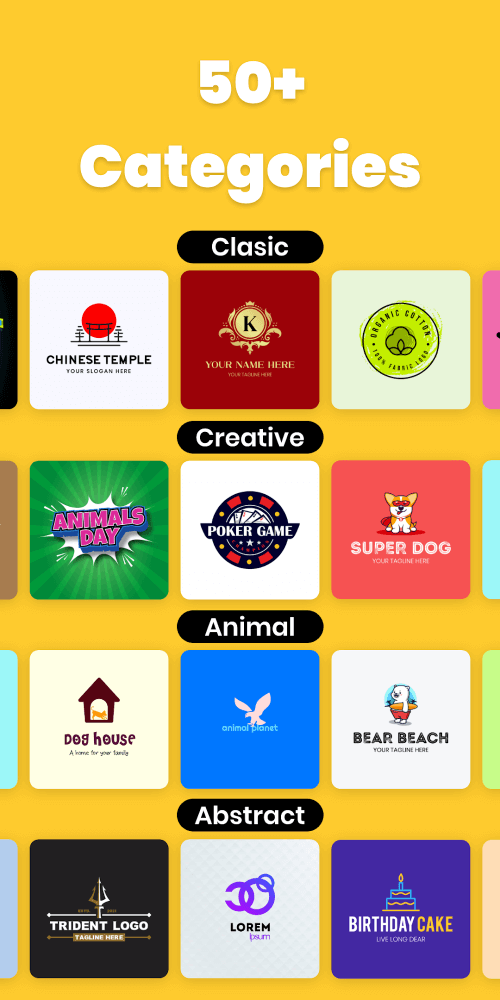
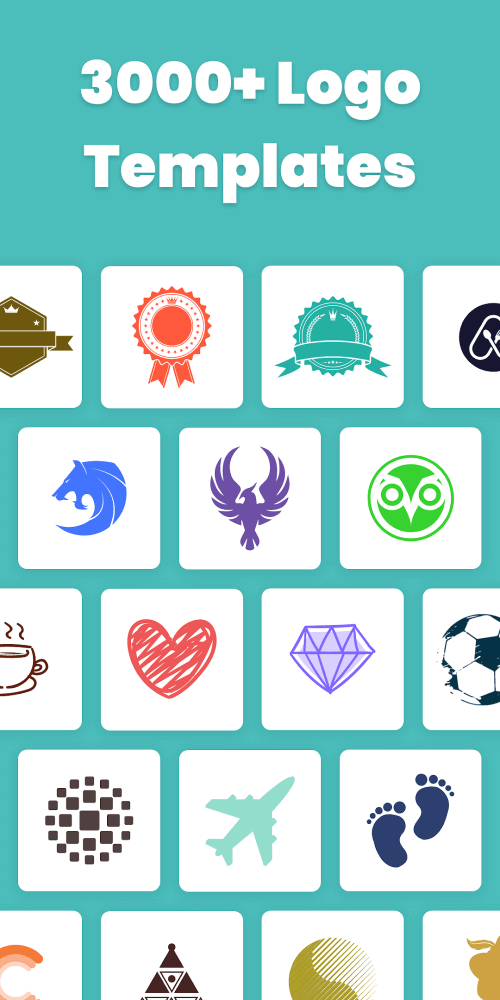
One of the standout features of LogoShop is its intuitive layout. The app's interface is clean and easy to navigate, making it accessible to users with no prior knowledge of graphic design. Upon launching the app, users are presented with a variety of categories, including Fashion, Business, Colorful, Lifestyle, Program, and Watercolor designs. This organization system helps to narrow down options and get started quickly.
Customization Options
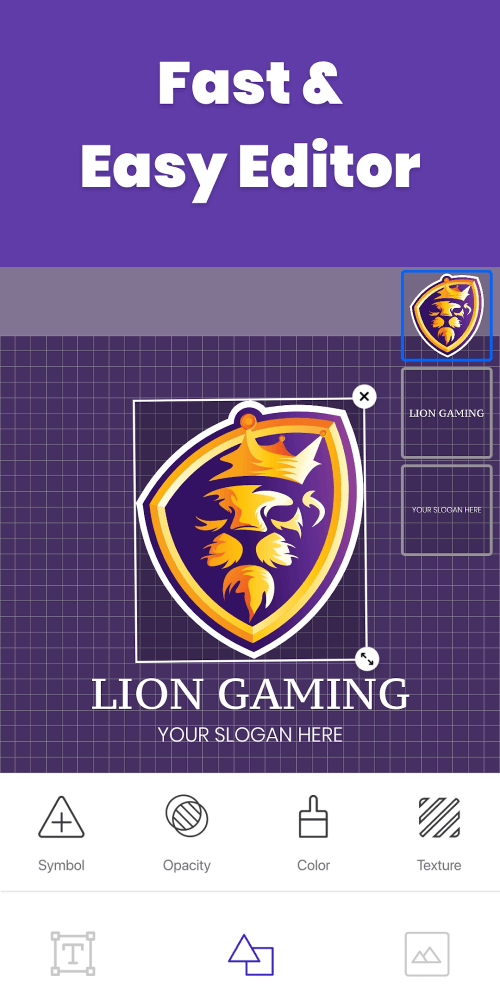
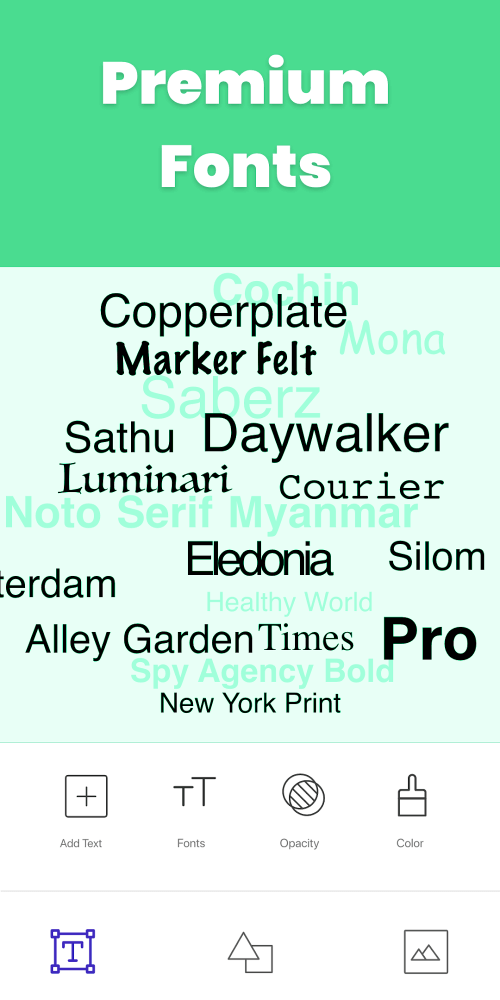
LogoShop offers a range of customization options, allowing users to make their logos unique and memorable. The app provides a variety of fonts, colors, and backgrounds to choose from, as well as the ability to upload an image from the user's phone gallery. This flexibility is a major advantage, as it enables users to tailor their logo to their specific brand identity.
Benefits of Using a Logo Generator App
Using a logo generator app like LogoShop has several benefits. Not only can users create professional-looking logos in a matter of minutes, but they can also save a significant amount of money. Unlike other logo design services, LogoShop is completely free, making it an attractive option for small businesses and entrepreneurs on a budget.
Limitations and Room for Improvement
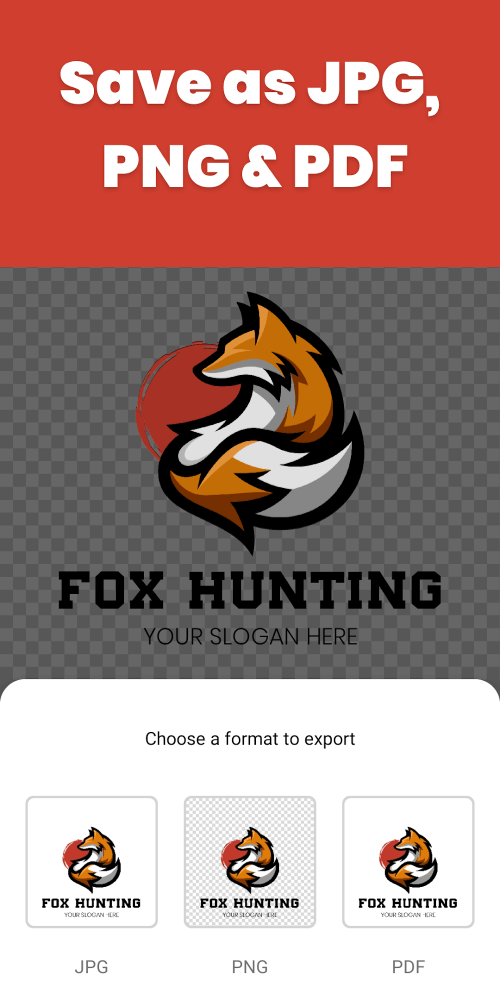
While LogoShop is a valuable tool, there are a few areas where the app could improve. The app's library of templates and designs, while extensive, may not be as diverse as some users would like. Additionally, the app's export options are limited, with users only able to export their logo in PNG or JPEG format. These limitations are minor, but they do impact the app's overall functionality.
Who Is This App For?
LogoShop is ideal for small business owners, entrepreneurs, and individuals looking to create a professional logo without incurring significant costs. The app's user-friendly interface and extensive customization options make it accessible to users with no prior knowledge of graphic design. While the app may not be suitable for high-end design projects, it's a great option for those looking to create a simple, yet effective logo.
Conclusion
LogoShop is a valuable tool for those looking to create a professional logo without breaking the bank. The app's intuitive layout, extensive customization options, and free pricing make it an attractive option for small businesses and entrepreneurs. While there are a few areas where the app could improve, LogoShop is a solid choice for those looking to create a simple, yet effective logo.
Editor's Verdict
App Details
- App: LogoShop
- Category: Utility
- Version: 4.4
- Price: Free
- Platform: Android
Quick Assessment
LogoShop is a utility application for Android devices that is free to download. Currently at version 4.4, the app has received positive feedback from the community with an average rating of 4.1/5. We recommend downloading it directly from the official Google Play Store to ensure you get the latest and safest version.
Community Reviews
What users are saying about LogoShop
Mar 6, 2026
I'm pretty satisfied with the results from LogoShop, especially the vector graphics export feature. One thing I'd like to see is more flexibility with font sizes.
Mar 4, 2026
I tried LogoShop for creating a logo for my new business. The shapes and templates available are quite impressive, but I wished there was a better search bar for finding specific designs.
Feb 15, 2026
I love using LogoShop to create logos for my clients. The seamless cloud export feature has saved me so much time and stress. Keep up the great work!
Dec 25, 2025
LogoShop's free version works okay, but I'm a bit disappointed that the free trial for the premium version expired so quickly. Would love a longer trial period!
Dec 21, 2025
LogoShop's logo resizing feature is nice, but it'd be even more useful if you could choose the DPI as well. Not a huge deal, though.
Dec 19, 2025
The logo preview feature is super convenient in LogoShop. Saves me time from constantly switching between the editor and the result. Would be even better if it was faster!
Dec 1, 2025
LogoShop's AI-powered logo suggestions are actually really useful! I used it to create a logo for my personal blog and it turned out amazing. Great job!
Nov 22, 2025
I was expecting more advanced features in the premium version of LogoShop, but it still lacks some basic editing options like layer blending modes. Still decent for beginners.
Reviews reflect personal user opinions and experiences.
Frequently Asked Questions
You May Also Like
Similar utility apps you might enjoy