Microphone Blocker & Guard v6.5 Utilities Protection
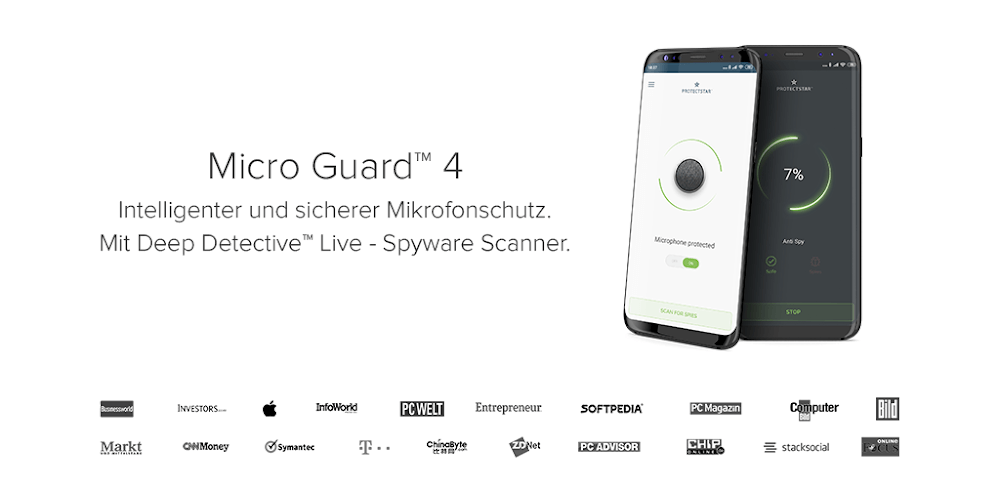
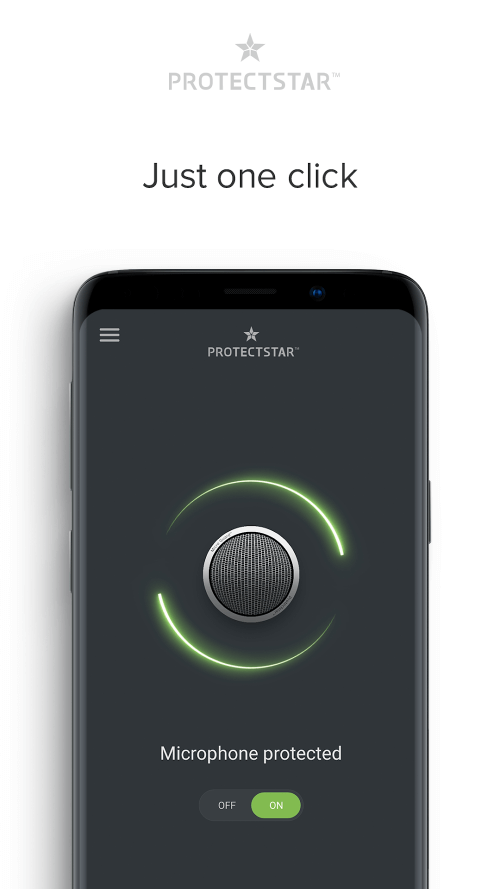
Discover Microphone Blocker & Guard, a reliable utility that blocks unauthorized microphone access, hides microphone status, and safeguards your device's audio settings.
All download links redirect to the official Google Play Store.
App Information
- Name
- Microphone Blocker & Guard
- Version
- 6.5
- OS
- Android
- Category
- UtilitiesApplication
- Price
- Free
- User Rating
- 4/5
Screenshots
Our In-Depth Review
A Safer Android Experience with Micro Guard
Security in the Digital Age: The Importance of Protecting Your Personal Information
As we increasingly rely on our Android devices to handle sensitive personal and professional tasks, it's crucial to take measures to safeguard our information. With the rise of online threats and data breaches, users are taking proactive steps to protect their digital lives. One such measure is using a robust utility like Micro Guard, which prevents unauthorized access to your device's microphone, ensuring your conversations remain private.
Advanced Threat Detection and Enhanced Protection with Deep Detective
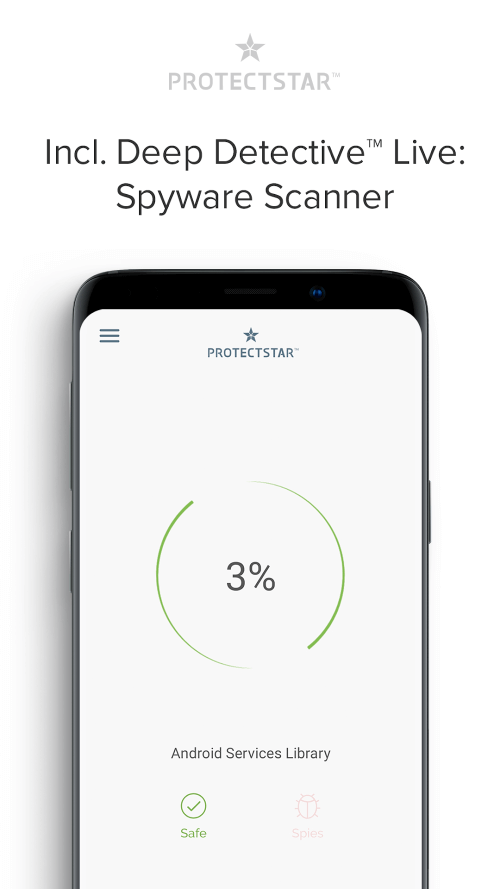
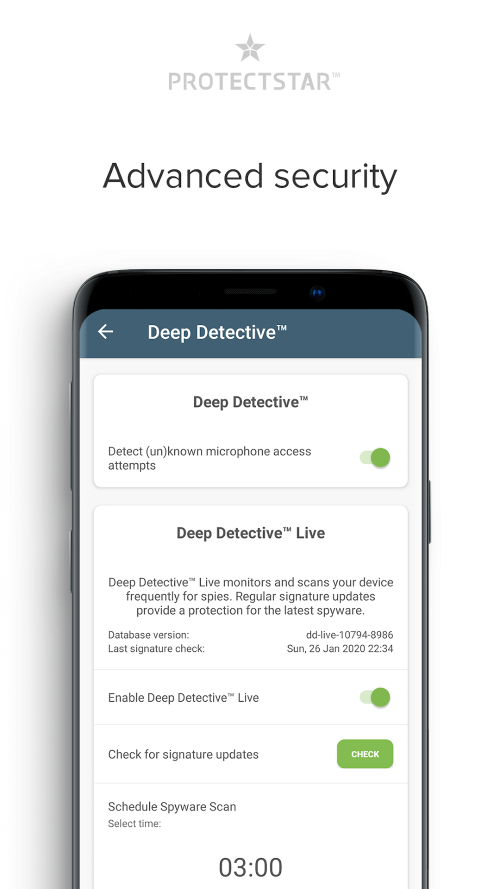
Micro Guard's innovative Deep Detective feature stands out from standard protection by identifying and blocking previously unknown threats. By analyzing thousands of attack signatures, it provides an additional layer of security against malicious components. This feature is available as a paid add-on, known as Deep Detective Live, offering enhanced protection against online dangers. While the free version, Deep Detective Lite, still provides a robust level of protection, users seeking maximum security may find the paid upgrade worthwhile.
Comprehensive Security with Compatible Integration
When paired with Camera Guard, Micro Guard provides complete security for both your camera and microphone. This unbeatable combo gives you peace of mind, knowing your privacy is always protected. Furthermore, Micro Guard seamlessly integrates with existing security systems, ensuring it won't interfere with your antivirus software or other security measures.
Evaluating the Free Edition's Key Features
The free version of Micro Guard includes a range of useful features, including:
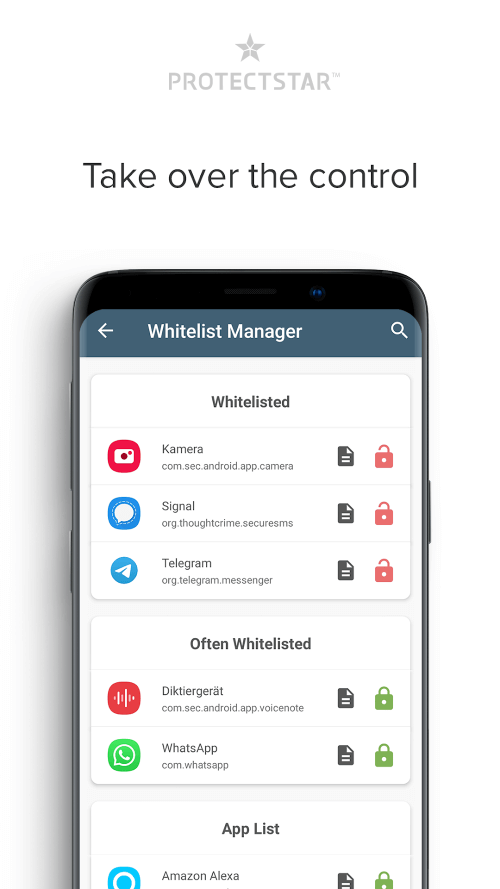
- Microphone blocker: Prevents unauthorized access to your device's microphone
- Deep Detective Lite: Identifies and blocks previously unknown threats
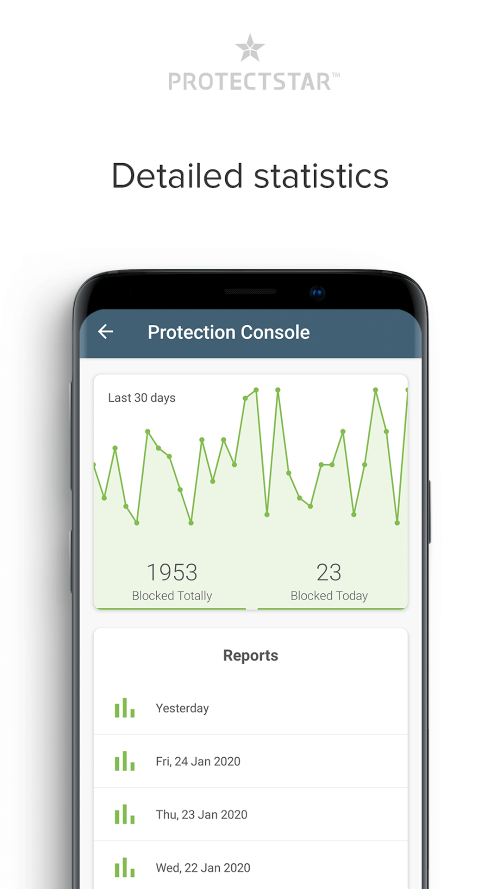
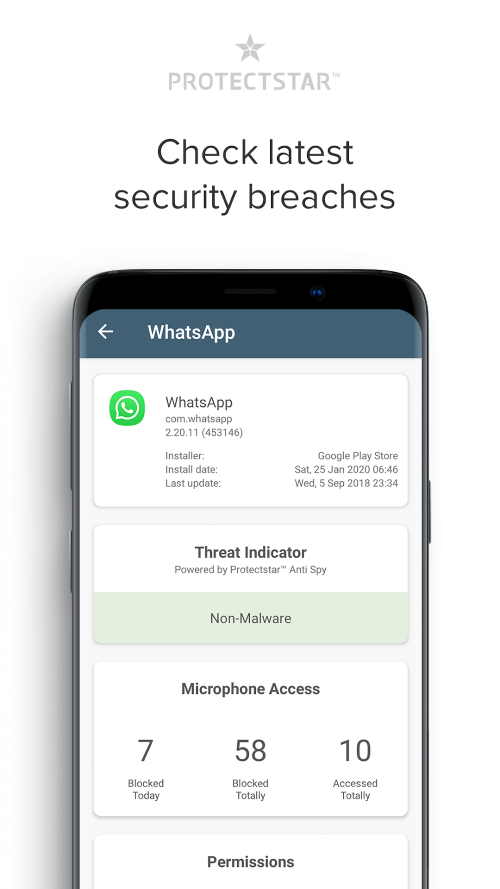
- Logfile protocol: Tracks and logs microphone access for improved security
- Passcode protection: Adds an extra layer of security with a passcode-protected interface
- Widget: Provides quick access to Micro Guard's features
- Dark mode: Enhances the user experience with a customizable theme
- List of all apps with access to the microphone: Gives users transparent insight into microphone access
While the free edition provides a solid foundation for protecting your device, some features, such as Deep Detective Live, are only available as a paid add-on. Users seeking maximum security and advanced threat detection may find the paid upgrade necessary.
Performance and User Experience
Micro Guard's user interface is clean and intuitive, making it easy to navigate and understand the various features and settings. The app's performance is stable and responsive, with no noticeable lag or glitches. However, some users may find the app's request for access to the microphone a bit intrusive, even with the microphone blocker feature enabled.
Conclusion
Micro Guard is a robust utility that provides comprehensive security for your Android device's microphone. While the free edition offers a range of useful features, users seeking maximum security and advanced threat detection may find the paid upgrade necessary. Overall, Micro Guard is a solid choice for protecting your device from unwanted listening and is suitable for users seeking enhanced security and peace of mind.
Who Is This App For?
Micro Guard is particularly suitable for:
- Users who frequently conduct sensitive conversations or voice calls on their Android device
- Individuals who want to protect their personal information from unauthorized access
- Android users seeking advanced security features and threat detection
- Those who value transparency and want to know which apps have access to their device's microphone
- Users who want a robust utility to complement their existing security measures
However, users who are satisfied with basic security features and do not require advanced threat detection may find the free edition sufficient.
Editor's Verdict
App Details
- App: Microphone Blocker & Guard
- Category: Utility
- Version: 6.5
- Price: Free
- Platform: Android
Quick Assessment
Microphone Blocker & Guard is a utility application for Android devices that is free to download. Currently at version 6.5, the app has received positive feedback from the community with an average rating of 4/5. We recommend downloading it directly from the official Google Play Store to ensure you get the latest and safest version.
Community Reviews
What users are saying about Microphone Blocker & Guard
Dec 17, 2025
I'm not totally impressed with this app. It does its job, but the UI feels a bit outdated and the settings menu is a bit cluttered. I wish they could simplify it a bit. One feature I really like is the ability to schedule microphone blocking for specific events, though.
Nov 26, 2025
I've been using Microphone Blocker & Guard for a week now, and it's been a game-changer for my online gaming sessions. I love how easy it is to toggle the microphone blocker on/off with just a single tap on the notification shade, it's so convenient!
Sep 29, 2025
Just a tip for the devs: it would be great if you could add an option to customize the notification icon, maybe allow us to choose a different icon pack or something. Other than that, the microphone blocker works flawlessly and I've been able to prevent some sketchy apps from accessing my mic.
Reviews reflect personal user opinions and experiences.
Frequently Asked Questions
You May Also Like
Similar utility apps you might enjoy