MIUl 3D Icon Pack v9.4 - Custom Utility Icons Download
Upgrade your Android device with MIUl 3D Icon Pack v9.4, featuring a 3D interface and customizable icons, making it a must-have for utility and customization enthusiasts.
All download links redirect to the official Google Play Store.
App Information
- Name
- MIUl 3D - Icon Pack
- Version
- 9.4
- OS
- Android
- Category
- UtilitiesApplication
- Price
- Free
- User Rating
- 3.8/5
Our In-Depth Review
A Visual Revamp for Android: MIUl 3D – Icon Pack Review
In the vast expanse of Android customization options, MIUl 3D – Icon Pack stands out as a beacon of innovation, offering a meticulously crafted collection of icons and wallpapers to transform your device's interface. This review delves into the features, design elements, and overall user experience that make MIUl 3D – Icon Pack a compelling choice for those seeking a visual overhaul.
A Masterpiece of Icon Design
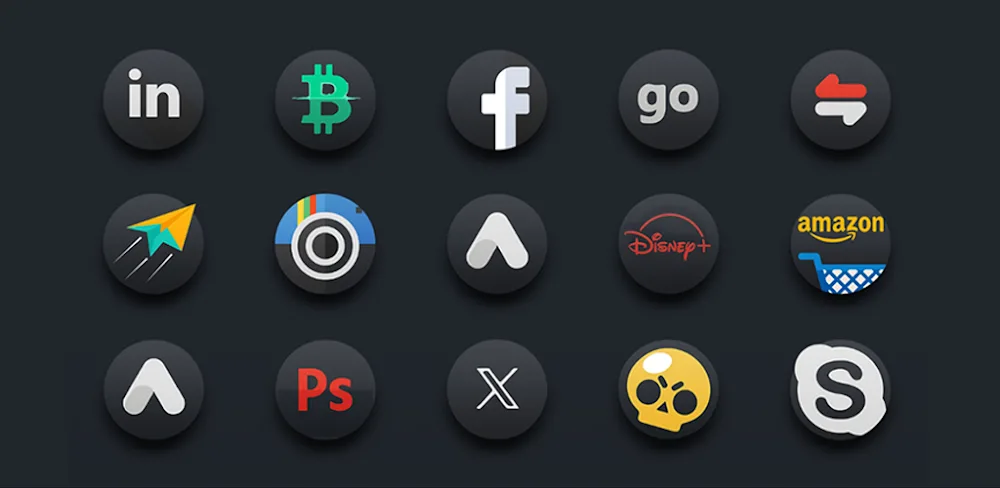
At the heart of MIUl 3D – Icon Pack lies its triple rendering process, a labor-intensive technique that ensures each icon is a work of art. With a 2K resolution, these icons boast an outstanding color palette and an unparalleled level of detail. The designers' focus on preserving the original design intent, coupled with their use of brighter colors, enhanced shadows, and meticulous attention to detail, results in a visually stunning icon set that will leave a lasting impression.
However, it's worth noting that the sheer number of icons can be overwhelming, making it difficult for some users to navigate and discover new designs. This might be mitigated by a more intuitive search function or better categorization within the app.
A Comprehensive Wallpaper Collection
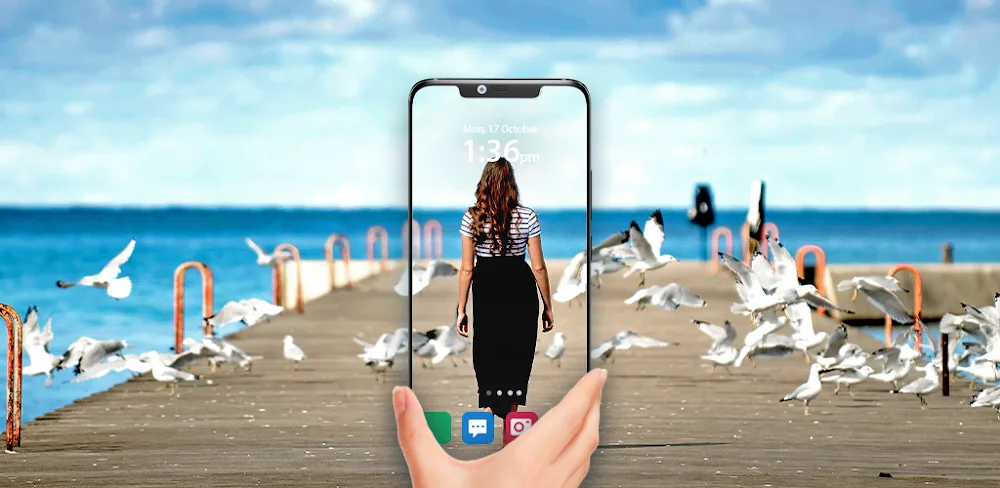
To complement the stunning icon set, MIUl 3D – Icon Pack offers an extensive collection of wallpapers designed to create a consistent and visually appealing interface. With hundreds of unique templates categorized by theme and style, users can choose from a wide range of options to suit their preferences. The wallpapers themselves are 2K HD, ensuring good image quality and a seamless user experience.
One feature that caught my attention was the automatic icon masking, which allows users to rearrange app and summary widget panels for a seamless and aesthetically pleasing experience. While this feature is a welcome addition, it would be beneficial if the app provided more customization options for users who want to further tailor their interface.
Key Features and Limitations
MIUl 3D – Icon Pack's key features include:
- 2K resolution icons with an outstanding color palette
- Detailed icon design with a focus on preserving original design intent
- Triple rendering process for unparalleled image quality
- Automatic icon masking for seamless interface customization
- Dynamic calendar sync for staying connected and organized
While MIUl 3D – Icon Pack excels in many areas, there are a few areas where it falls short. For instance, the app lacks a built-in backup and restore feature, which can be a concern for users who want to easily transfer their settings to a new device. Additionally, some users may find the app's search function to be less than ideal.
Conclusion
MIUl 3D – Icon Pack is a compelling choice for those seeking a visual overhaul of their Android device. With its meticulous attention to detail, stunning icon design, and comprehensive wallpaper collection, it offers a unique and visually appealing interface that will leave a lasting impression. While there are areas for improvement, the app's strengths far outweigh its limitations, making it a solid choice for users who value a premium look and feel.
Who Is This App For?
MIUl 3D – Icon Pack is best suited for users who:
- Value a visually stunning interface
- Want a wide range of customization options
- Are looking for a premium icon pack experience
- Have a device with Android 7.0 or later (as this is the minimum requirement for the app)
In particular, this app may appeal to:
- Power users who want to fine-tune their device's interface
- Graphic designers and artists looking for inspiration
- Anyone seeking a unique and visually appealing interface
Ultimately, MIUl 3D – Icon Pack is a solid choice for those who want to elevate their Android experience with a stunning icon pack and comprehensive wallpaper collection.
Editor's Verdict
App Details
- App: MIUl 3D - Icon Pack
- Category: Utility
- Version: 9.4
- Price: Free
- Platform: Android
Quick Assessment
MIUl 3D - Icon Pack is a utility application for Android devices that is free to download. Currently at version 9.4, the app continues to receive updates from the developer. We recommend downloading it directly from the official Google Play Store to ensure you get the latest and safest version.
Community Reviews
What users are saying about MIUl 3D - Icon Pack
Jan 7, 2026
I wish MIUl 3D Icon Pack v9.4 was a bit more customizable in terms of system UI, but the icon pack itself is really great. The icons fit my aesthetic perfectly! 4 stars so far!
Jan 5, 2026
I just started using the MIUl 3D Icon Pack v9.4 and the theme is looking really great, but I'm having issues with some apps not applying the new icon pack. Hope the devs can fix this in the next update.
Dec 30, 2025
I'm really impressed with how easy it is to install and manage the icon pack in MIUl 3D v9.4. My favorite feature is the daily wallpaper which is always a new theme! Great work devs!
Dec 19, 2025
I've been using the MIUl 3D Icon Pack v9.4 for a week now and it's been running smoothly. The color options are a bit limited, but I love the simplicity of the design. Hope the devs add more features in the future!
Dec 4, 2025
I'm loving the MIUl 3D Icon Pack v9.4 on my OnePlus 9 Pro! The 3D effects are so smooth and the icon sizes are customizable which makes it perfect for my home screen. 5 stars!
Oct 19, 2025
Unfortunately, the MIUl 3D Icon Pack v9.4 is not supported by my Samsung Galaxy A52 (it says the device is not compatible). Would be great if the devs could add support for more devices!
Reviews reflect personal user opinions and experiences.
Frequently Asked Questions
You May Also Like
Similar utility apps you might enjoy