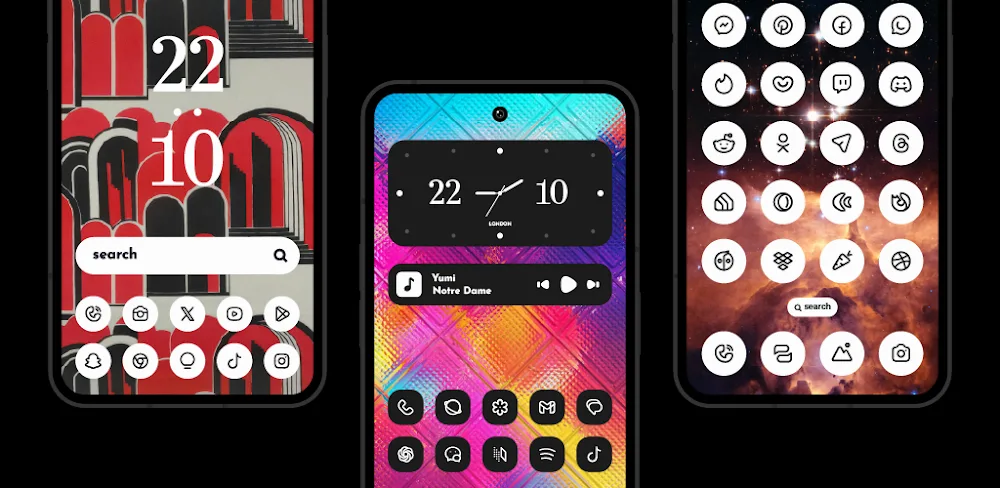
Nothing Line: Adaptive Icons v1.1 - Create Unique Icons & Themes
Nothing Line: Adaptive Icons is a unique utility app that lets you create custom adaptive icons with dark and white colors using its advanced design features.
All download links redirect to the official Google Play Store.
App Information
- Name
- Nothing Line: Adaptive icons
- Version
- 1.1
- OS
- Android
- Category
- UtilitiesApplication
- Price
- Free
- User Rating
- 4/5
Our In-Depth Review
Nothing Line: Adaptive Icons - A Masterclass in Customization
As an Android user, you're likely well aware of the importance of having a home screen that truly reflects your personality. Nothing Line: Adaptive Icons is an innovative icon pack that can help you achieve just that. With its impressive array of adaptive designs and extensive collection of icons, this app is a game-changer when it comes to customizing your Android device's home screen.
Premium Design and Customization
One of the standout features of Nothing Line: Adaptive Icons is its unique blend of style and functionality. The app boasts an impressive library of icons that seamlessly integrate with your device's theme, creating a cohesive visual experience. Whether you're a fan of dark or white themes, the icons in this pack are carefully crafted to provide a seamless transition between the two.
Features
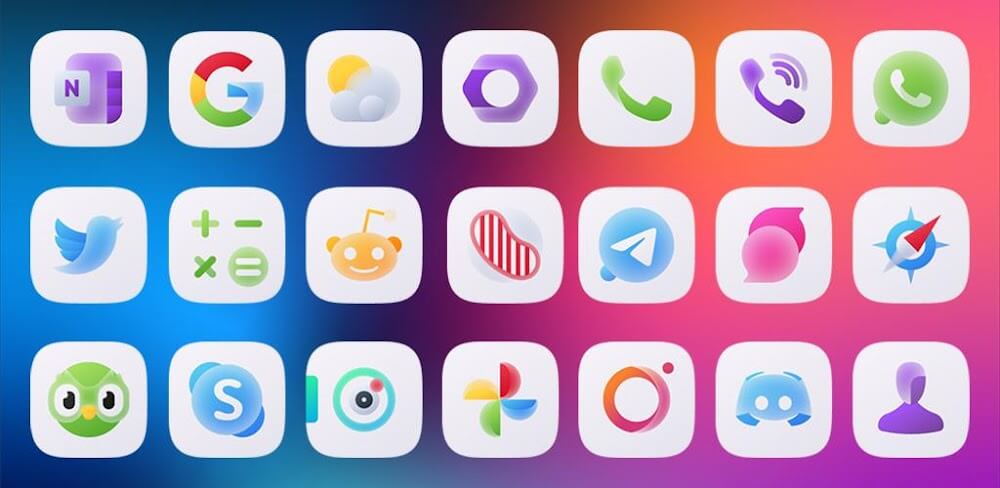
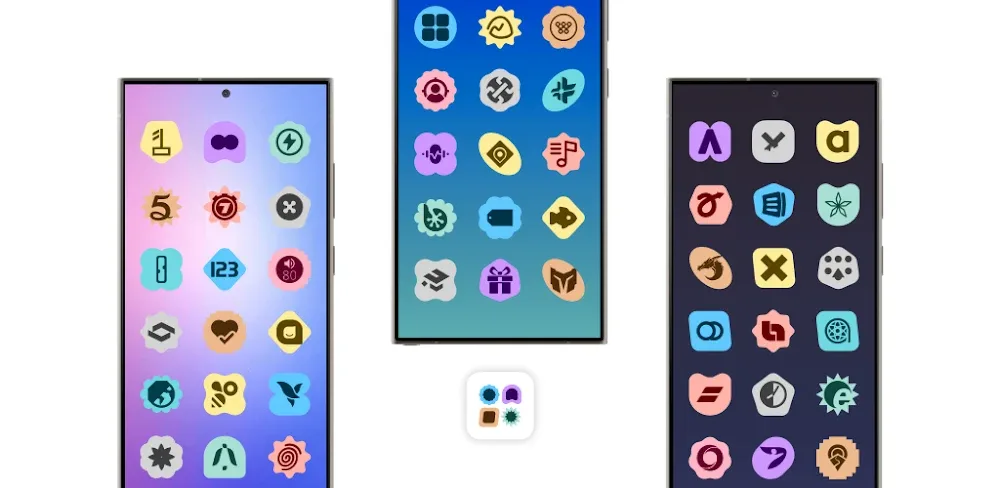
- Vast Icon Collection: With over 2,000+ icons to choose from, you'll never run out of options to personalize your home screen. From technology and gaming to entertainment and travel, the icon collection is diverse and extensive.
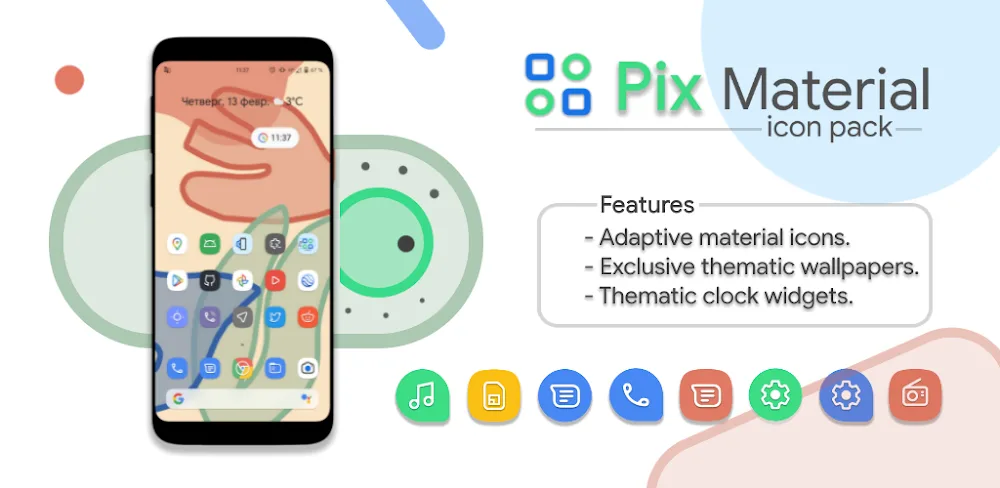
- Exclusive Kustom Widgets: These widgets are designed to work in harmony with your icon pack, adapting to your device's theme and home screen elements. They add a touch of personality to your home screen and can help you stay organized with the time, date, and weather.
- Cohesive Visuals: The icons in this pack are carefully crafted to provide a seamless visual experience, with a subtle yet effective switch between dark and white themes.
Easy to Use and Maintain
One of the advantages of Nothing Line: Adaptive Icons is its intuitive interface and robust features. The app makes it easy to get started, with a simple design that ensures quick and easy color switching. Compatibility with most launchers is also a breeze, so you can try the app with your existing launcher without worrying about compatibility issues.
Key Features
- Icon Request Tool: If you're looking for a specific icon, you can request it directly from the app, expanding your icon collection and keeping it up-to-date. This is a great feature for users who want to see their favorite apps or services represented on their home screen.
- Regular Updates: The developers behind Nothing Line: Adaptive Icons regularly release new versions, bringing new surprises and stability improvements. This ensures that the app stays up-to-date with the latest Android features and security patches.
- Simple Application: The app's simple design ensures quick and easy color switching, making it easy to customize your home screen to suit your mood or style.
Conclusion
Nothing Line: Adaptive Icons is a must-try for Android users who want to take their home screen customization to the next level. With its impressive array of adaptive designs, extensive collection of icons, and exclusive Kustom widgets, this app is a game-changer. Whether you're a seasoned Android user or just looking to try something new, Nothing Line: Adaptive Icons is definitely worth checking out.
Who Is This App For?
Nothing Line: Adaptive Icons is suitable for:
- Android users who want to customize their home screen with a unique and cohesive visual experience
- Users who want to access exclusive Kustom widgets that adapt to their device's theme and home screen elements
- Those who are looking for a simple and intuitive app to customize their home screen
- Anyone who wants to stay up-to-date with the latest Android features and security patches
If you're looking for a way to transform your home screen and take your Android experience to the next level, Nothing Line: Adaptive Icons is definitely worth considering. With its impressive array of features and regular updates, this app is a great choice for anyone who wants to customize their Android device with style and functionality.
Editor's Verdict
App Details
- App: Nothing Line: Adaptive icons
- Category: Utility
- Version: 1.1
- Price: Free
- Platform: Android
Quick Assessment
Nothing Line: Adaptive icons is a utility application for Android devices that is free to download. Currently at version 1.1, the app has received positive feedback from the community with an average rating of 4/5. We recommend downloading it directly from the official Google Play Store to ensure you get the latest and safest version.
Community Reviews
What users are saying about Nothing Line: Adaptive icons
Feb 1, 2026
I was blown away by the seamless integration of custom icons with adaptive properties. The app's intuitive design made it easy to adjust the look and feel of my home screen. Highly recommend!
Jan 20, 2026
I was a bit skeptical about paying for an app that does something as simple as change icon styles, but Nothing Line: Adaptive Icons has proven its worth with the quality of its themes and the ease of use.
Jan 17, 2026
The ability to change icon styles without affecting my device's performance is what sold me on this app. However, I wish there were more dark theme options.
Jan 16, 2026
Nothing Line: Adaptive Icons has been a game-changer for my home screen organization. The app's UI is modern and clean, and I appreciate the variety of icon themes.
Jan 15, 2026
Some of the themes seem to be quite glitchy, especially when trying to apply them to the Google Play Store icon. Minor issues like this keep me from giving it a full 5 stars.
Nov 14, 2025
One thing I'd like to see in future updates is the ability to save custom icon layouts for easy reuse. That way, I could easily apply them to other devices.
Nov 10, 2025
I love how the app lets me mix and match different icon styles to create a unique look for each app. The undo feature is also super helpful.
Nov 5, 2025
I'm torn between loving the adaptive icons feature and wishing there were more customization options. Perhaps a compromise would be to add more icon packs?
Reviews reflect personal user opinions and experiences.
Frequently Asked Questions
You May Also Like
Similar utility apps you might enjoy