Sliced Icon Pack 2.3.7 - Customizable Icons & Backgrounds
Enhance your phone's visual appeal with Sliced Icon Pack, offering shimmering icons, customizable backgrounds, and a refreshed look.
All download links redirect to the official Google Play Store.
App Information
- Name
- Sliced
- Version
- 2.3.7
- OS
- Android
- Category
- UtilitiesApplication
- Price
- Free
- User Rating
- 4/5
Our In-Depth Review
Slicing Through the Ordinary: A Review of Sliced Icon Pack
A Fresh Perspective on Customization
Sliced Icon Pack is an innovative Android app that promises to revolutionize the way you interact with your mobile device. This app is designed to bring a breath of fresh air to your phone, with its stunning shimmering icon sets and backgrounds. But what sets Sliced Icon Pack apart from other customization tools, and is it worth the investment?
A Treasure Trove of Icon Sets and Customization Options
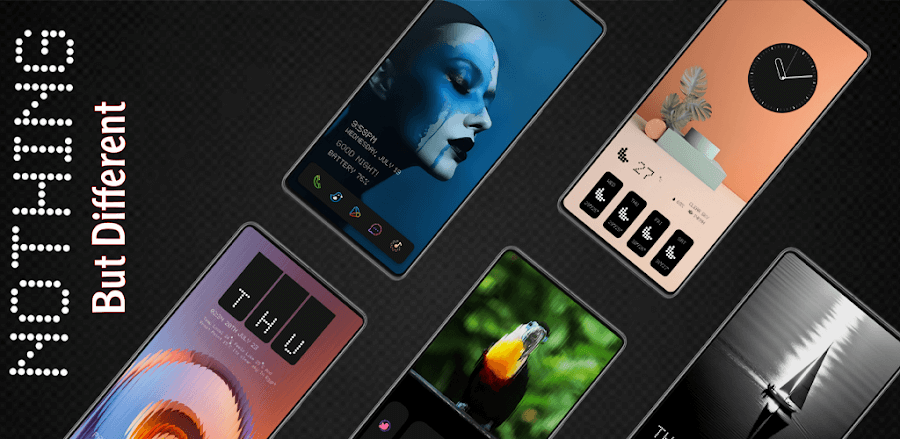
One of the standout features of Sliced Icon Pack is its impressive collection of 2470 icons. Each icon is meticulously designed to provide a high-quality experience, with a resolution of 192 × 192 pixels. This level of detail is evident in the app's Material Design-inspired theme sets, which are carefully crafted to provide a seamless and immersive experience. With Sliced Icon Pack, you can:
- Browse through a vast library of icons and choose the ones that suit your style
- Create your own custom icon collection and share it with friends
- Easily switch between different icon sets and customize your phone's look
The app's vast library of icons is a major selling point, offering users a wide range of options to choose from. The ability to create and share custom icon collections is also a great feature, allowing users to express their personality and share their unique style with others.
Constant Updates and Cloud-Based Desktop Backgrounds
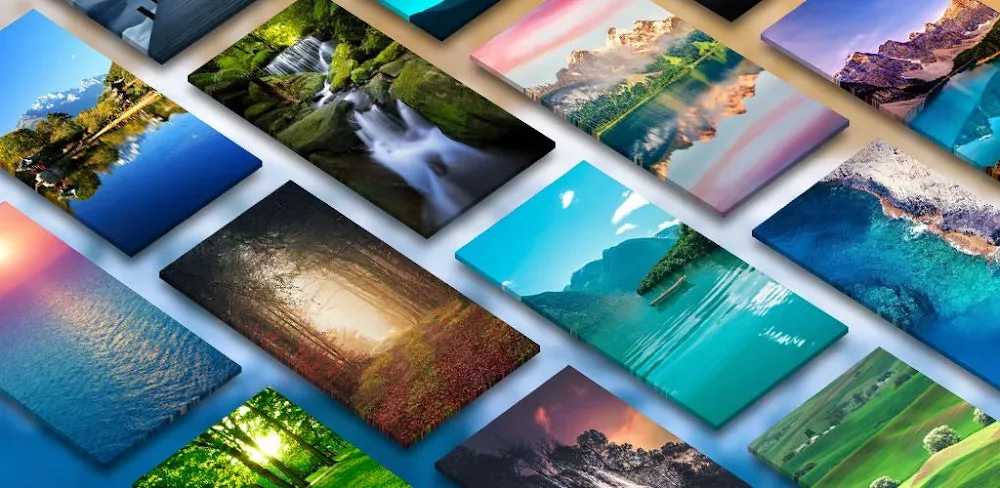
One of the most impressive aspects of Sliced Icon Pack is its commitment to constant updating. New and unique icon sets and backgrounds are added regularly, ensuring that your phone stays fresh and exciting. The app's cloud-based desktop backgrounds feature is also a highlight, offering users 20 harmonious themes that complement the colorful icon packs. This feature adds an extra layer of customization to the app, allowing users to match their desktop background to their icon set.
However, it's worth noting that the app's constant updating can be overwhelming for some users. With new icon sets and backgrounds added regularly, it can be difficult to keep up with the latest updates. This may lead to some users feeling overwhelmed or even frustrated with the app's constant changes.
System Requirements and Compatibility
To use Sliced Icon Pack, you'll need a compatible launcher installed on your Android device. Fortunately, this app works seamlessly with popular launchers like Nova, TSF, and Holo Launcher. Before downloading, make sure your launcher is up-to-date to avoid any compatibility issues.
A Worthwhile Investment?
While Sliced Icon Pack is a paid app, its value lies in its high-quality design, constant updates, and flexibility. With its polished graphics and Material Design-inspired icon sets, this app is a must-have for anyone looking to give their phone a fresh new look. However, the app's constant updating and cloud-based desktop backgrounds feature may be overwhelming for some users.
Conclusion
Sliced Icon Pack is a solid choice for users looking to customize their phone's look and feel. While it may not be perfect, the app's high-quality design, constant updates, and flexibility make it a worthwhile investment for anyone looking to give their phone a fresh new look. However, users should be prepared for the app's constant updating and may need to adjust their expectations accordingly.
Who Is This App For?
Sliced Icon Pack is best suited for users who:
- Want to give their phone a fresh new look with high-quality icon sets and backgrounds
- Are looking for a customizable app that allows them to express their personality
- Are willing to invest in a paid app that offers constant updates and flexibility
- Have a compatible launcher installed on their Android device
In particular, Sliced Icon Pack is a great choice for users who:
- Are fans of Material Design and want to incorporate it into their phone's look and feel
- Enjoy customizing their phone's appearance and are looking for a new challenge
- Want to stay up-to-date with the latest trends and styles in phone customization.
Editor's Verdict
App Details
- App: Sliced
- Category: Utility
- Version: 2.3.7
- Price: Free
- Platform: Android
Quick Assessment
Sliced is a utility application for Android devices that is free to download. Currently at version 2.3.7, the app has received positive feedback from the community with an average rating of 4/5. We recommend downloading it directly from the official Google Play Store to ensure you get the latest and safest version.
Community Reviews
What users are saying about Sliced
Mar 6, 2026
I've tried out several icon packs before, but the Sliced Icon Pack is definitely one of the best. The interface is super clean and intuitive, and the backgrounds are so pretty. One thing that would be nice is a 'reset to defaults' feature in case I ever want to go back to the original icon pack. Overall, a great app with a few minor quibbles. 4/5 stars
Jan 11, 2026
I've been using the Sliced Icon Pack for a few days now, and I'm really impressed with the level of customization it offers. Being able to change the icon size and shape is a great feature. My only suggestion would be to add more icon shapes in a future update. For now, it's a solid 4/5 stars
Dec 24, 2025
I'm not a fan of the default icon pack that came with my phone, so I installed the Sliced Icon Pack to freshen things up. However, I do wish there was a way to customize the background more - sometimes the colors clash with my wallpaper. Still, it's a solid app with great icons. 3/5 stars
Nov 22, 2025
I love the idea behind the Sliced Icon Pack, but I'm a bit disappointed by the lack of dark mode support. With my phone's dark mode enabled, the icons look kind of washed out. Still, the shimmering effect is pretty cool, and I'll give it 3 stars for now
Nov 7, 2025
I was a bit skeptical about installing a third-party icon pack, but I'm glad I took the chance. The Sliced Icon Pack looks amazing and it's so easy to use - I love how it automatically applies the new icons to all my apps. Great job to the developers!
Oct 12, 2025
I'm thoroughly enjoying the Sliced Icon Pack on my Samsung phone. The shimmering effect on the icons is so pretty and it complements my phone's aesthetic perfectly. I've received so many compliments on my phone's look since installing this pack. Five stars!
Reviews reflect personal user opinions and experiences.
Frequently Asked Questions
You May Also Like
Similar utility apps you might enjoy