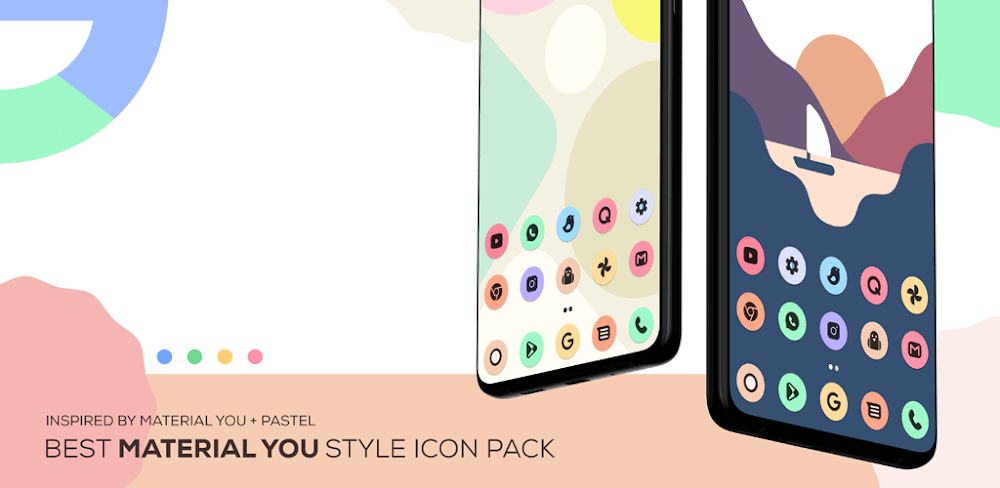
You IconPack 5.1 - Material You Icons for Android
Experience Material You on your Android with You IconPack 5.1, featuring a gorgeous icon collection for both dark and bright themes. A must-have for anyone seeking a premium Android look.
All download links redirect to the official Google Play Store.
App Information
- Name
- You IconPack
- Version
- 5.1
- OS
- Android
- Category
- UtilitiesApplication
- Price
- Free
- User Rating
- 3.9/5
Screenshots
Our In-Depth Review
Customizing Your Android Experience with You IconPack
A Comprehensive Review of the Best Android Icon Pack
In the world of Android customization, having the right icon pack can make all the difference in creating a visually stunning experience. You IconPack, developed by You IconPack, is one such icon pack that has been making waves in the community with its stunning collection of icons inspired by Google's Material You design. In this review, we'll delve into the features, capabilities, and overall experience of You IconPack to help you decide if it's the right fit for your Android device.
## Unique Features and Regular Updates
What Sets You IconPack Apart from the Rest
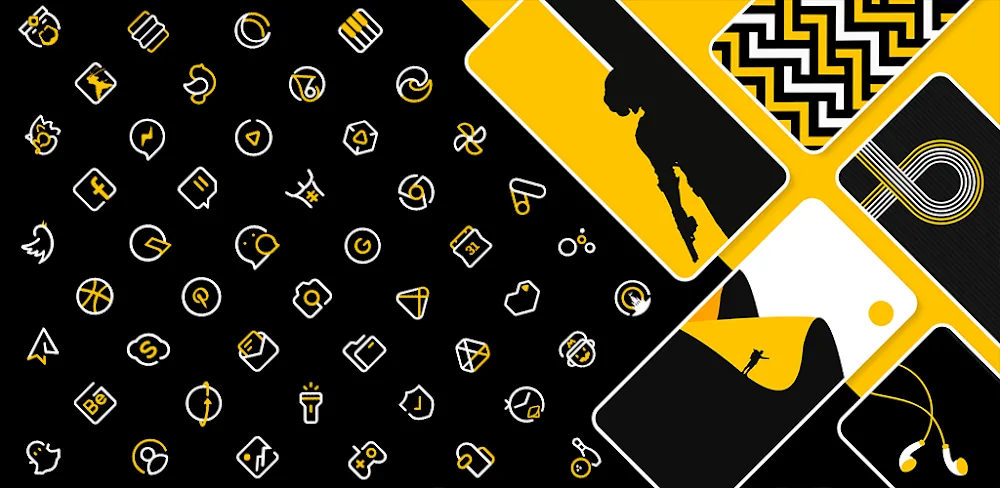
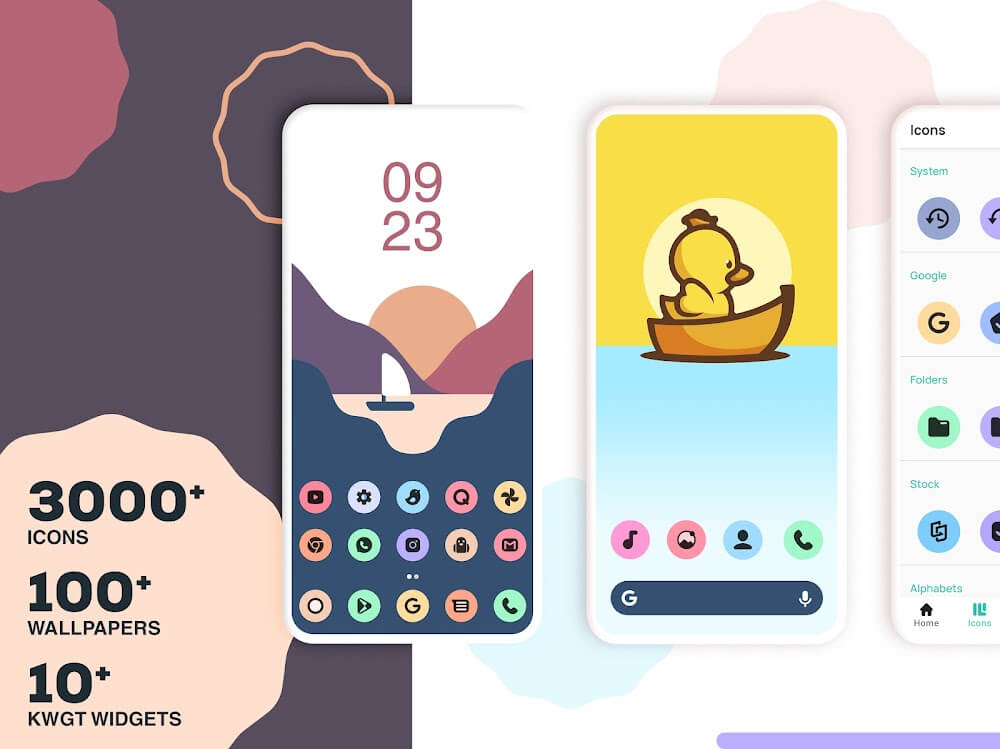
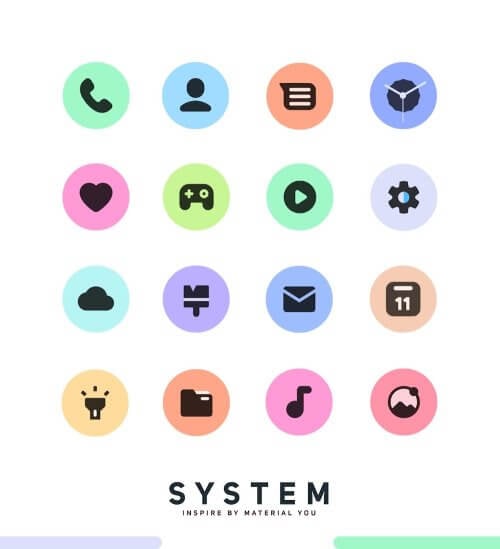
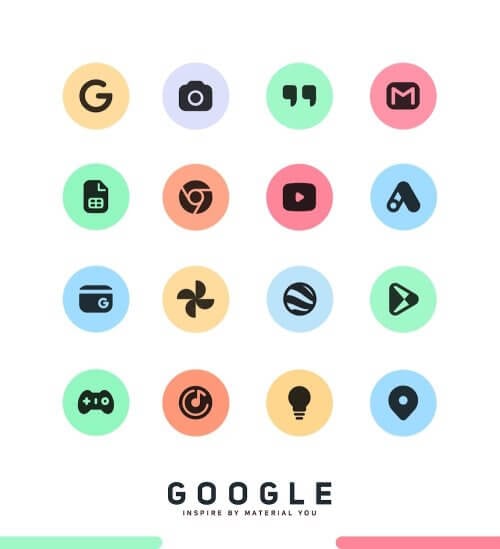
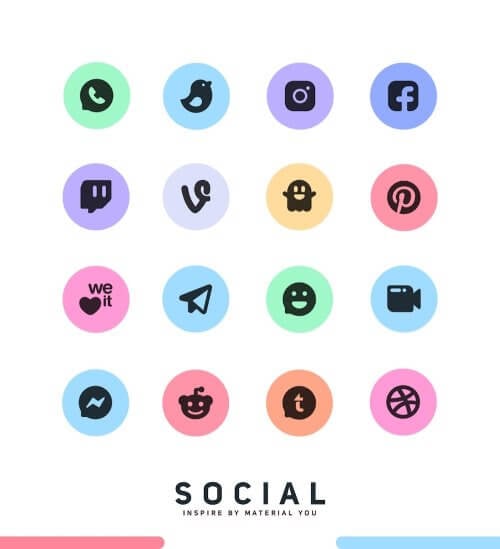
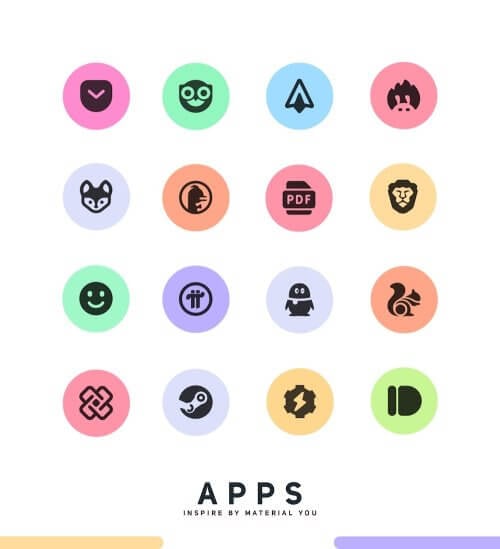
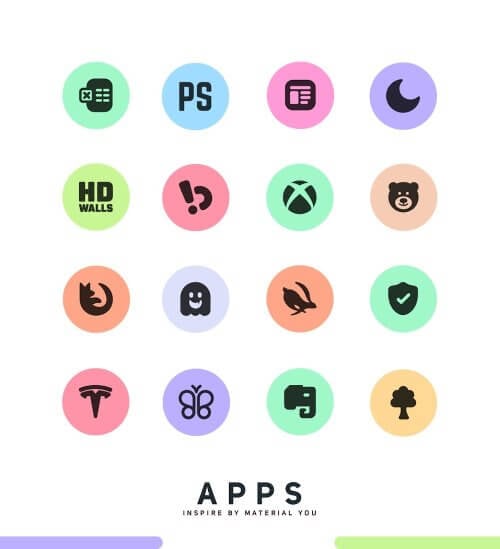
You IconPack stands out from other icon packs due to its commitment to providing a constantly evolving design. With over 3,400 premium icons, this pack offers a clean and fresh interface that's perfect for both dark and bright themes. The well-balanced pastel color palette makes it a great choice for those who want a visually appealing and modern design. What's more impressive is that new icons are added regularly, ensuring that your device never goes out of style.
Multiple Substitute Icons for a Personal Touch
One of the standout features of You IconPack is its inclusion of multiple substitute icons. This allows users to create a unique and personal mobile experience by replacing default icons with custom ones. This level of customization is what sets You IconPack apart from other icon packs, making it an attractive option for users who want to stand out from the crowd.
## Optimizing Your Launcher for the Best Experience
Tips for Using You IconPack with Nova Launcher
To get the most out of You IconPack, it's recommended to use Nova Launcher with icon normalization disabled and icon size set to 70-100%. Additionally, turning off the "Reshape Legacy Icons" setting in Nova Launcher's preferences will ensure that You IconPack's high-quality icons look their best on your device. By following these simple tips, you can unlock the full potential of You IconPack and enjoy a seamless and visually stunning experience.
## Easy Installation and Support
Getting Started with You IconPack
Installing You IconPack is a breeze – simply apply it using a theming launcher compatible with the pack, then open You IconPack and select the launcher. The icon set works seamlessly with various home screen replacement apps, including Nova, Action, and Apex Launcher. If you encounter any issues with You IconPack, you can reach out to the support team via email, and with their hassle-free refunds and satisfaction guarantee, you can try You IconPack risk-free.
## Compatibility with Multiple Launchers
Use You IconPack with Your Favorite Launcher
You IconPack is compatible with a wide range of launchers, including Arrow Launcher, ASAP Launcher, Cobo Launcher, Line Launcher, and many more. You can apply the icon pack through the launcher's theme settings, even if the launcher itself isn't supported. This makes it easy to customize your Android device with You IconPack, regardless of your preferred launcher.
## Beyond the Basics: Features and Capabilities
What Makes You IconPack Stand Out
You IconPack offers more than just a beautiful icon set. It also features search and preview functions, a dynamic calendar, and a Material Dashboard. With category-based icons, you can easily organize your folders and app drawer. You can also request custom icons for specific apps, ensuring that you always have the icons you need. This level of depth and functionality makes You IconPack a compelling option for users who want more than just a basic icon pack.
## Who Is This App For?
Target Users for You IconPack
You IconPack is best suited for Android users who are looking to customize their device with a visually stunning icon pack. This includes users who want to create a unique and personal mobile experience, as well as those who are looking for a hassle-free way to customize their device. With its extensive features, capabilities, and compatibility with multiple launchers, You IconPack is an excellent choice for anyone looking to take their Android experience to the next level.
Editor's Verdict
App Details
- App: You IconPack
- Category: Utility
- Version: 5.1
- Price: Free
- Platform: Android
Quick Assessment
You IconPack is a utility application for Android devices that is free to download. Currently at version 5.1, the app continues to receive updates from the developer. We recommend downloading it directly from the official Google Play Store to ensure you get the latest and safest version.
Community Reviews
What users are saying about You IconPack
Feb 24, 2026
I've tried a few different icon packs, and You IconPack 5.1 APK is definitely one of the better ones out there. The icons are nice, and I like how they're optimized for both dark and bright themes. My only suggestion is to add more icon packs in the future so users have more options.
Feb 8, 2026
I've tried a few icon packs before, but You IconPack 5.1 APK is my favorite so far. The customization options are amazing, and I love how I can choose from different icon pack themes. However, I wish there were more customization options for the home screen.
Jan 16, 2026
You IconPack 5.1 APK is a game-changer for me! The icons are beautiful and match my phone's Material You design perfectly. The only thing that would make it perfect is if there were more icon packs to choose from, but for now, I'm happy with what I have.
Dec 28, 2025
I'm not impressed with You IconPack 5.1 APK. The icons are pretty generic and don't stand out from other icon packs. If you're looking for something unique, I'd say keep looking. Sorry, devs, but this one's a pass for me.
Nov 16, 2025
I'm not a huge fan of icon packs, but You IconPack 5.1 APK is actually pretty nice. The icons are simple yet effective, and I like how they're optimized for both dark and bright themes. The only thing I'd like to see is more customization options for the icons themselves.
Oct 31, 2025
I'm so glad I discovered You IconPack 5.1 APK. The icons are so crisp and clear, and I love how they're optimized for both dark and bright themes. My only complaint is that the download process can be a bit slow.
Oct 21, 2025
I've had a few issues with You IconPack 5.1 APK, but overall, I'm happy with it. The icons are nice, but sometimes they don't match up correctly with other apps. Maybe fix that in the next update?
Oct 11, 2025
I absolutely love the Material You design of You IconPack 5.1 APK! The icons blend perfectly with my phone's dark theme. The only suggestion I have is to add more icon packs in the future.
Reviews reflect personal user opinions and experiences.
Frequently Asked Questions
You May Also Like
Similar utility apps you might enjoy